
You have just come back from the car park after a successful vehicle handover with a pile of documents in your hand and a queue of vehicle photos on your smartphone. You are glad you managed to hand over another vehicle, but at the thought of all the work ahead of you, would you rather the handover had never happened?
Filling in and creating more tables, sending photos, scanning documentation, passing it on to drivers, manually retyping handover reports into Excel: these are just some of the tasks that stretch the vehicle handover process to several hours.
See how to close the vehicle handover process in a few minutes with the Navifleet Manager app.
Closing the vehicle handover process with Navifleet Manager
1. Creating an account
If you do not have an account yet, simply go to navifleet.pl, select the Navifleet Manager product from the menu and click the sign-up button to start creating an account. Step by step, filling in your details, you will set up your account and add your first vehicle.
2. Sending signed documents
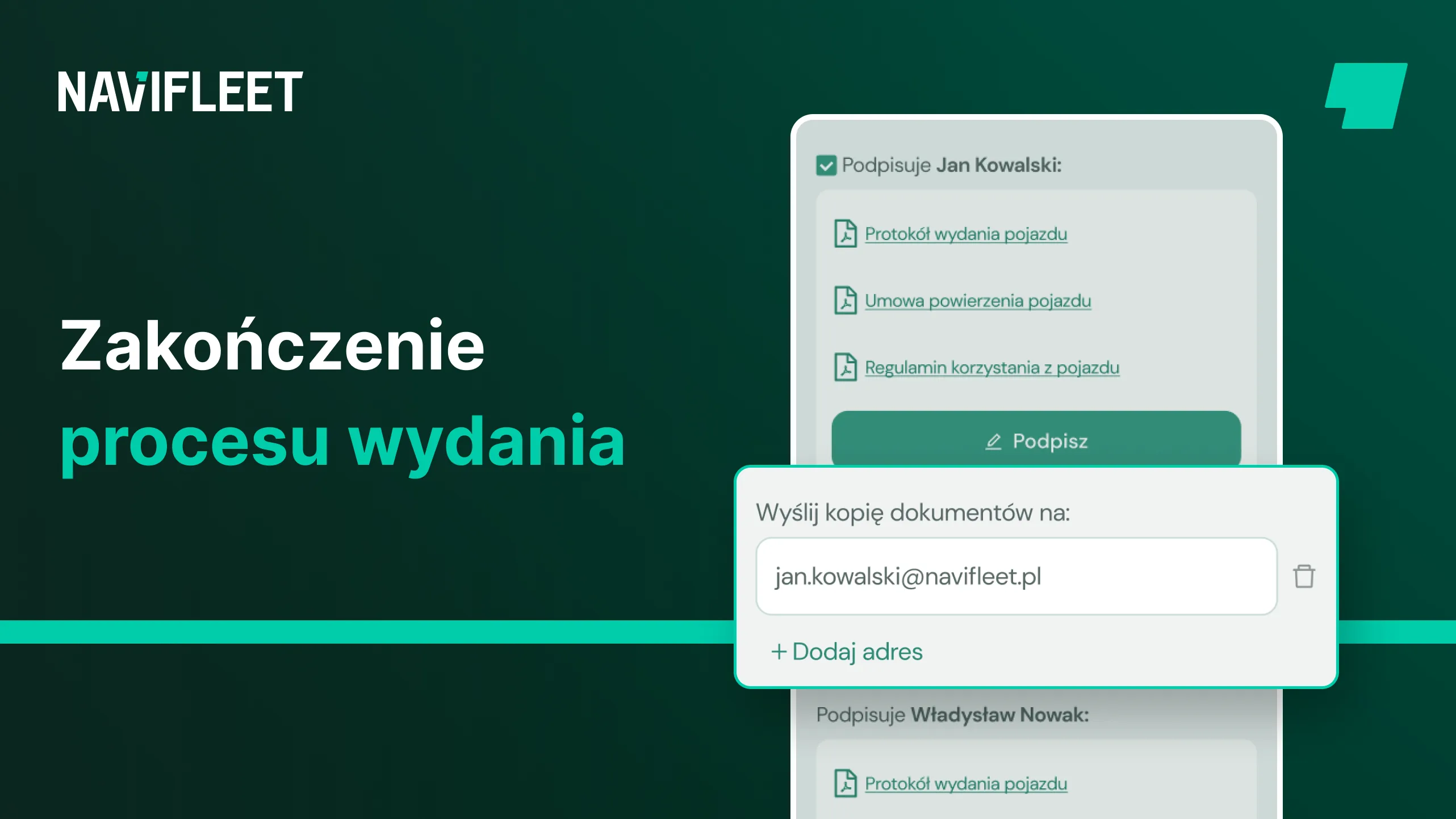
During the final stage of creating an electronic report, simply enter the email addresses of the people who should receive a copy of all the attached documents. Once the process is complete, the app automatically sends these documents to the specified addresses.
3. Updating data

All the data entered during the vehicle handover is automatically updated in the Navifleet Manager app. This means there is no need to retype data into Excel or upload photos to a drive.
Simply log in to the app from anywhere with internet access to have all this data at hand.
Summary
With the Navifleet Manager app you close the vehicle handover process in a few minutes, and you say goodbye to manually retyping documents into Excel for good.
After a vehicle handover with the e-Reports module, the app automatically fills in all the data about the vehicle handed over, the user assigned to it, the documented damage and the documents signed in the process, such as the agreement or the vehicle usage rules.
This means you do not have to create another Excel table, scan and send documents, or transfer photos from your phone to a cloud drive: you simply check the history of the vehicle you are interested in within the app.
Navifleet Manager stores all the data about the vehicles added, from the basics such as registration number or make, to data such as distances travelled or damage with photo documentation.
You can just as quickly find the documents signed with a specific driver by displaying the documents from the usage period you are interested in.
After handing over the vehicle and signing the key documents in the app, you can use it to automatically send the signed documents to the driver's email inbox, or create an account for them in the app, giving them easy access to the key information and documents so that you do not have to scan and file more paperwork.
With these features you automatically build an easily accessible archive you can look into whenever you need to, even from your smartphone. And when you are away, every member of your team can find the information or documents they need without your involvement.
Sign up for a free trial today and see how Navifleet Manager speeds up the vehicle handover process, automates processes and eliminates manual work and paperwork.



