
Since 2002, every vehicle sold in Poland has had to be fitted with an OBD II port. It is a solution that allows quick diagnostics of the car and detection of any faults. GPS tracker manufacturers have also taken advantage of this technology, adapting their devices to the characteristics of the OBD II port. It is currently the simplest way of installing a GPS tracker, and it brings additional benefits. Through the CAN bus, the device can collect data on fuel level, vehicle speed, mileage, engine revs and many other parameters.
In the Navifleet application we have harnessed the potential of advanced GPS trackers, creating a range of modules tailored to users' needs, from online vehicle location tracking, through fuel control, to driving style analysis technology.
Connecting a GPS tracker to the OBD II port, step by step
Connecting a GPS tracker to the OBD II port is simple and takes three steps. Before installing the tracking device, park the vehicle in a place that allows the GPS location to be determined accurately. Avoid places where there may be a problem with the GPS signal, e.g. underground car parks. The vehicle's engine should be switched off during installation.
Step I: locating the OBD II port in the vehicle
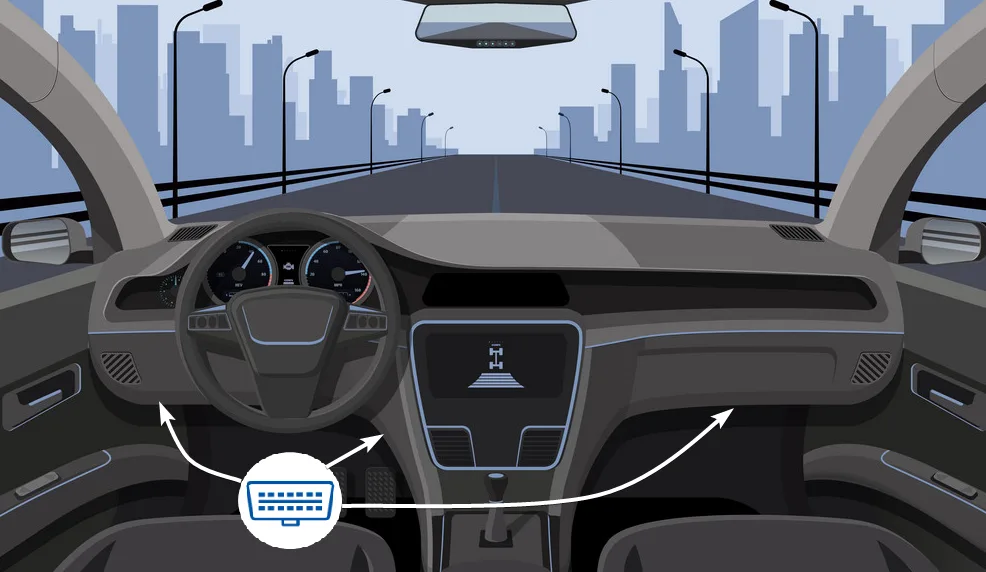
The OBD II diagnostic port has a characteristic trapezoidal shape and takes a 16-pin plug. In most vehicles the port is located in the lower left part of the dashboard, next to the main panel or under the steering wheel. You can quickly check online where the port is located in a given vehicle model.
Step II: connecting the device to the port
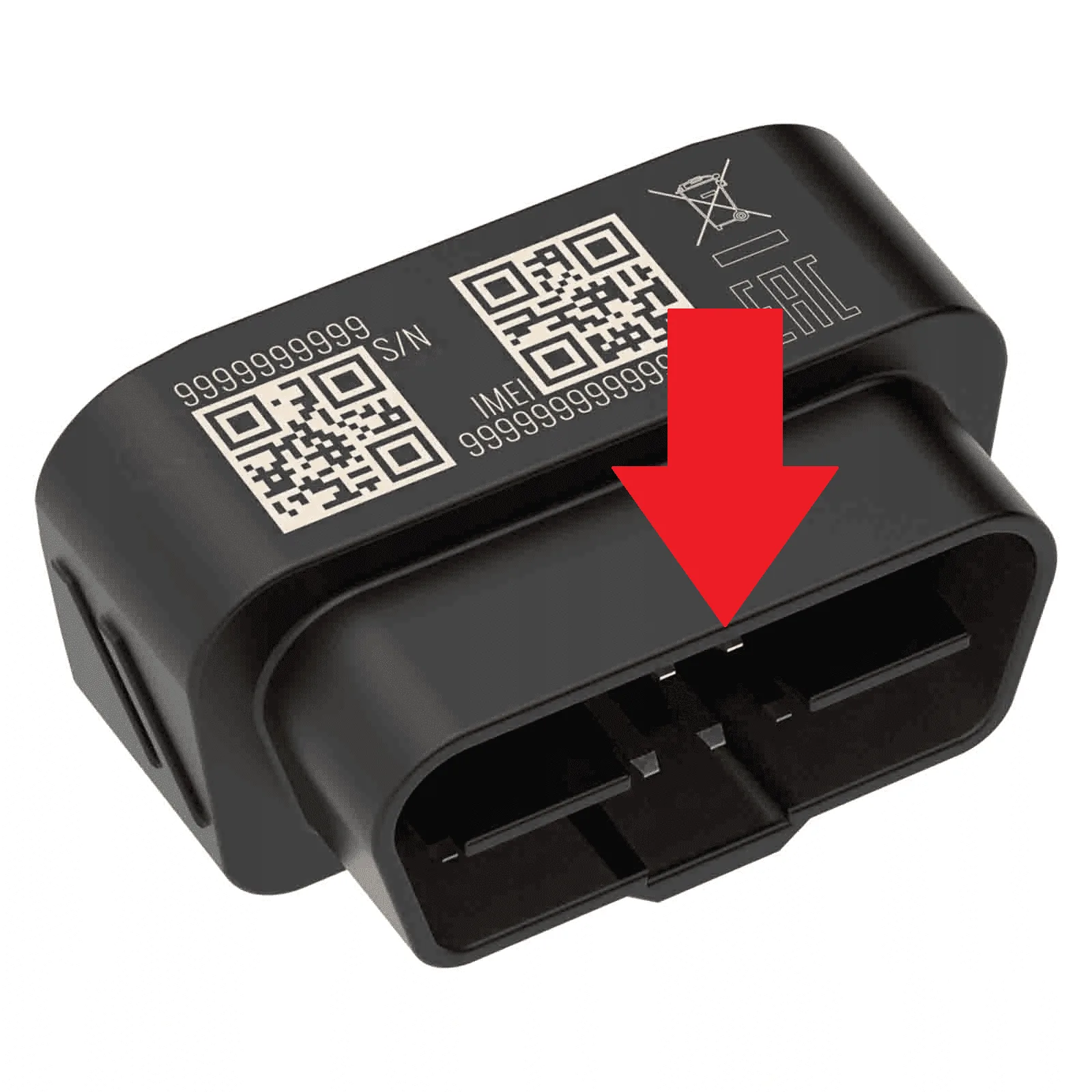
Once you have found the port, simply plug the device in. The longer edge of the plug should line up with the longer edge of the port. If access is difficult, you can use a dedicated extension cable.
Step III: the tracker starts up automatically
A few moments after connection, the indicator LEDs on the tracker should start flashing. This means the device is working in normal mode.
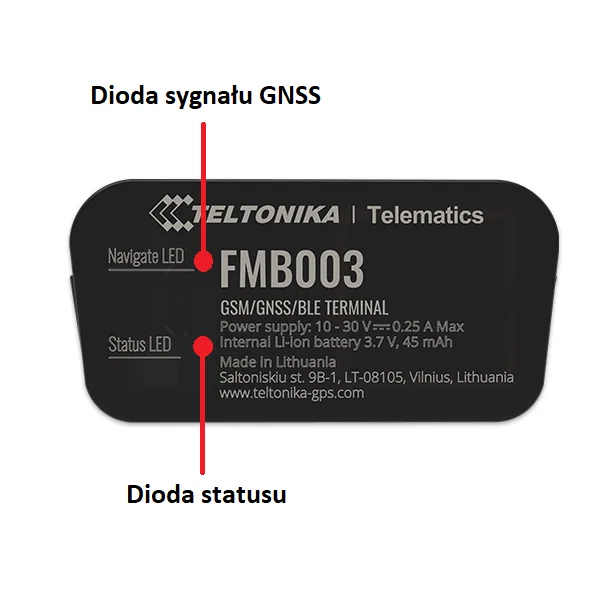
The LEDs can show the following signals:

Get in touch with me if you want to start generating savings in your fleet.
Piotr Wójcik
New Business Manager



