
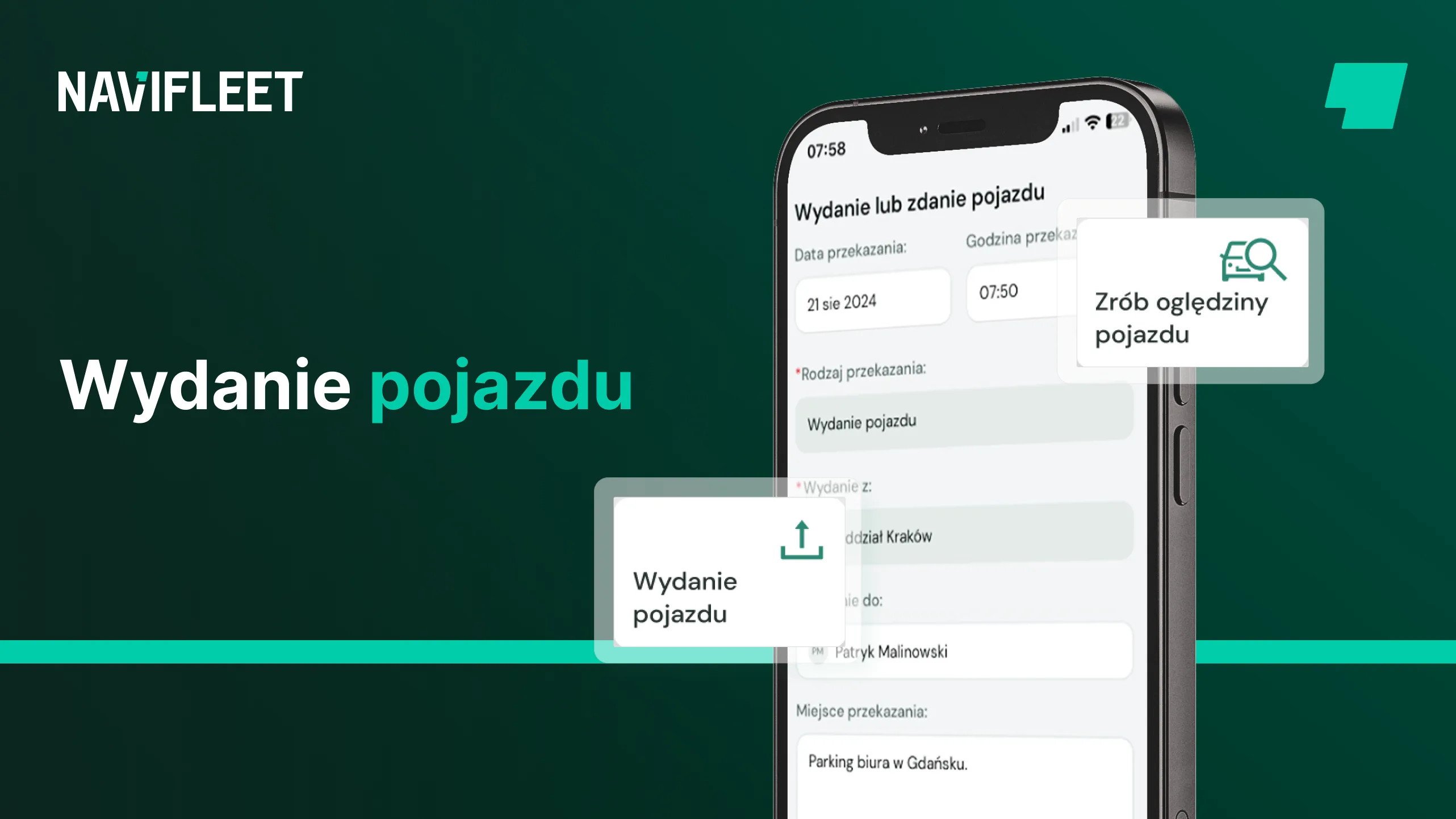
Before every vehicle handover, do you have to print the report form, the agreement, the rules and the fleet policy, then collect a dozen signatures, scan all the documents, file them and send them to the driver?
If, during a vehicle handover, you have to:
- document the vehicle's condition (damage, mileage, fuel level, equipment, etc.),
- take photos of the vehicle even though its condition has not changed, so that they are on the report,
- sign a paper handover report,
- sign all the other necessary documents,
- send the full set of documents to the user,
then see how to carry out the vehicle handover process with the Navifleet Manager app without unnecessary paperwork.
The vehicle handover process
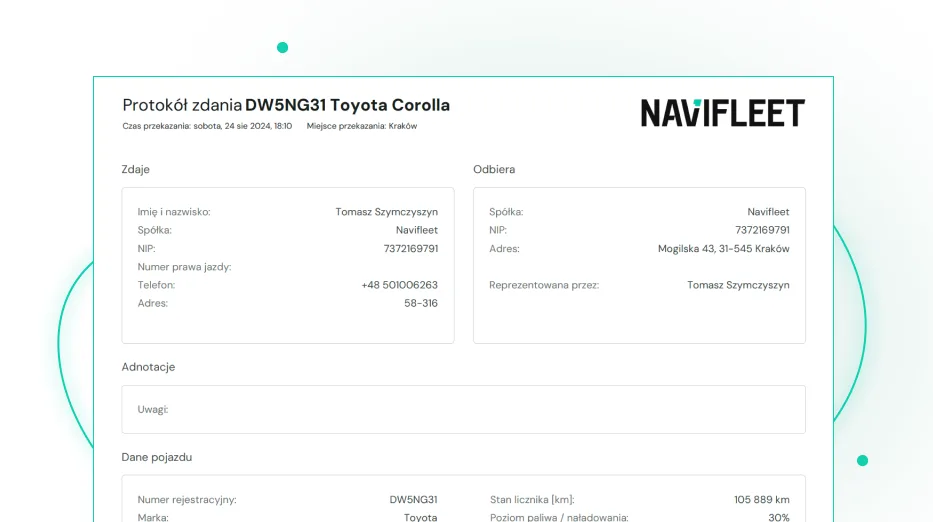
With the Navifleet Manager app you create an electronic vehicle handover report in 6 simple steps, which the app on your smartphone guides you through.
If you do not have an account yet, simply click the sign-up button to start creating one. Step by step, filling in your details, you will set up your account and add your first vehicle.
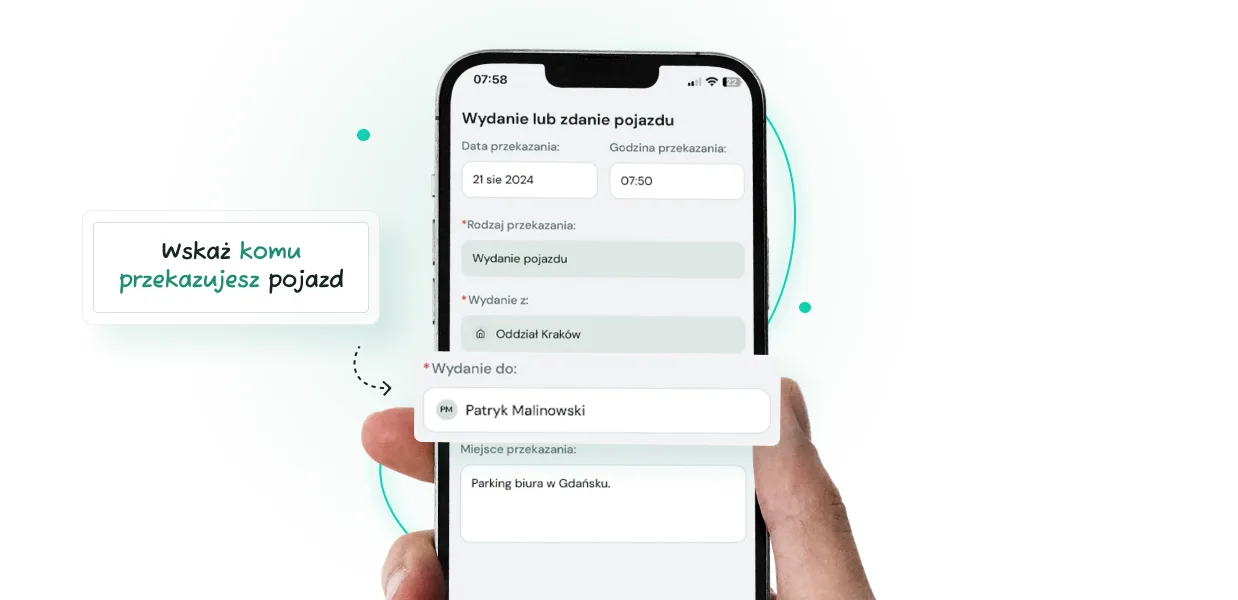
1. Select the vehicle being handed over and indicate who you are handing it to
In the first step you will find a list of all the vehicles in your fleet. Select the one you want to hand over. Once you have selected the vehicle, you will see basic information about the handover date and its type. Select the user or hub you are handing the vehicle over to. You can also add information about the handover location here. Once you move on, generate the handover report.
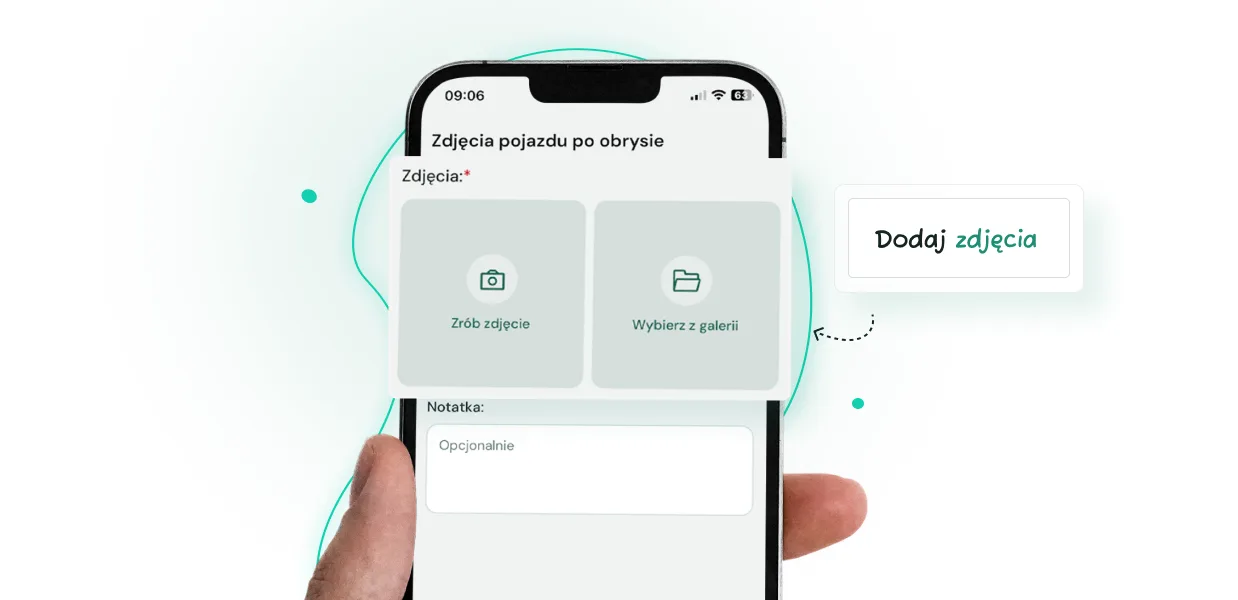
2. Add photos of the vehicle's exterior condition
You visually mark visible damage on the vehicle's bodywork and attach the relevant photos.
As the person completing the report, you will see a list of all previously reported damage, with photos, notes and the date added.
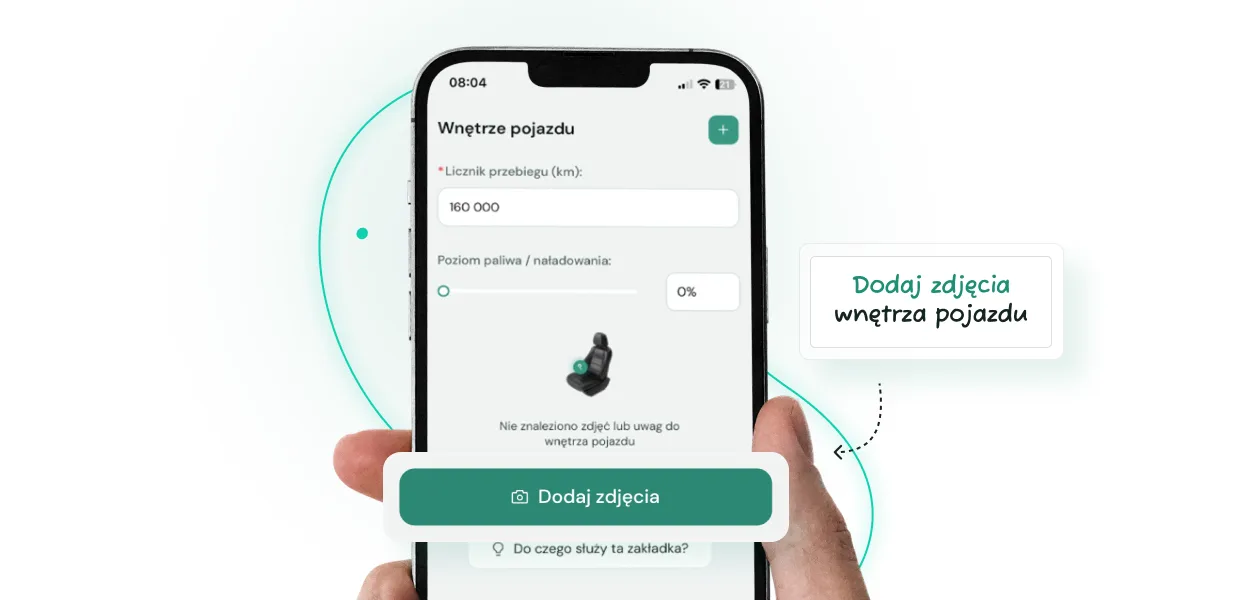
3. Enter the mileage, fuel level and the vehicle's interior condition
At this stage, enter the vehicle's current odometer reading and, optionally, add the fuel or charge level.
This is also the moment when you can add photos of the interior or of damage inside the vehicle.
4. Check the equipment
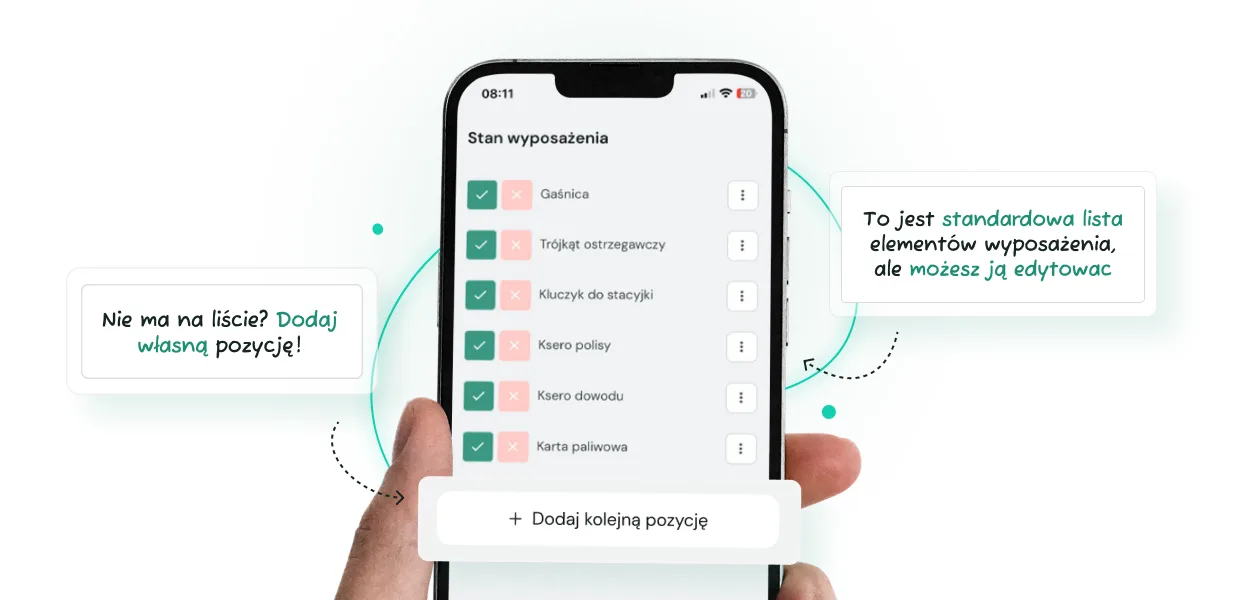
You can treat every vehicle individually, creating a unique equipment list to be checked at every subsequent handover or return, whether it is a beacon light or magnetic stickers on the bodywork. Add a note to each item, e.g. telling the driver where to find it.
At the next handover you will speed up the whole process by automatically loading the equipment list from the previous report, and if nothing has changed, you simply confirm it.
5. Summary
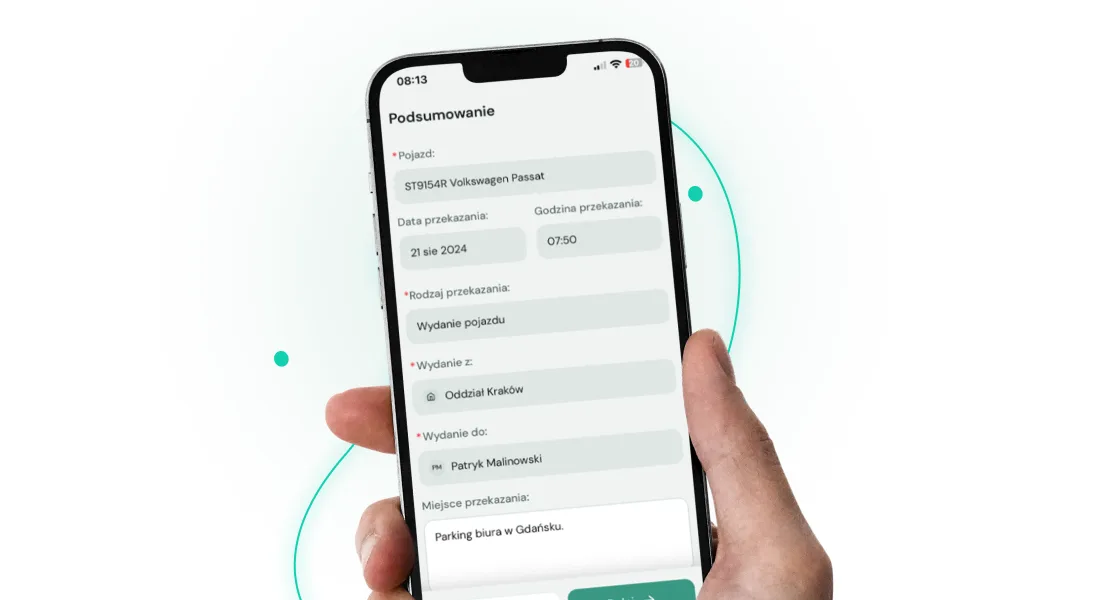
In this step, check the basic information about the handover date, its type and the user once more. If everything is correct, move on to the final step.
6. Signing the documents and the report
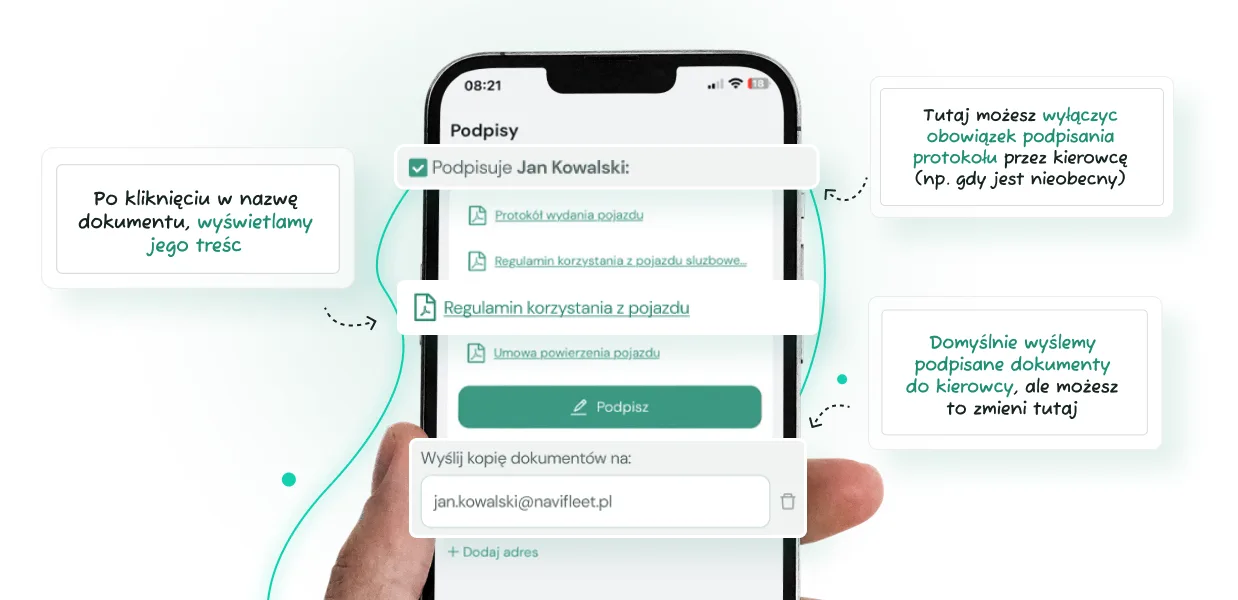
In the final step you will see all the documents the user collecting the vehicle should read, whether it is the agreement, the rules, the fleet policy or an additional table of fees and charges.
You add these documents in the app, assigning them to the relevant company (if you manage vehicles for several companies) and specifying whether they require a signature. Read how to upload documents on our help site.
When creating a report you will see all the documents immediately; you do not have to search for them, fill them in or print them. You can also be sure that at every handover the user will receive and sign them, regardless of who creates the report.
At this stage the driver can check all the added documents in a single view and then, with one electronic signature, confirm that they have read each of them.
The Navifleet Manager app automatically sends all the signed documents to the driver's email inbox, ticking another item off your to-do list during and after the vehicle handover.
Summary
Doing the same things over and over is not only a waste of time; it is also unnecessary mental effort. You keep ticking the same items off the list and stressing about inevitable mistakes.
With the Navifleet Manager app, the vehicle handover process takes a few minutes and can be done directly on your smartphone.
The app lets you systematise the vehicle handover process, automate many parts of it and, above all, free your mind from having to constantly keep track of a never-ending list of tasks.



