
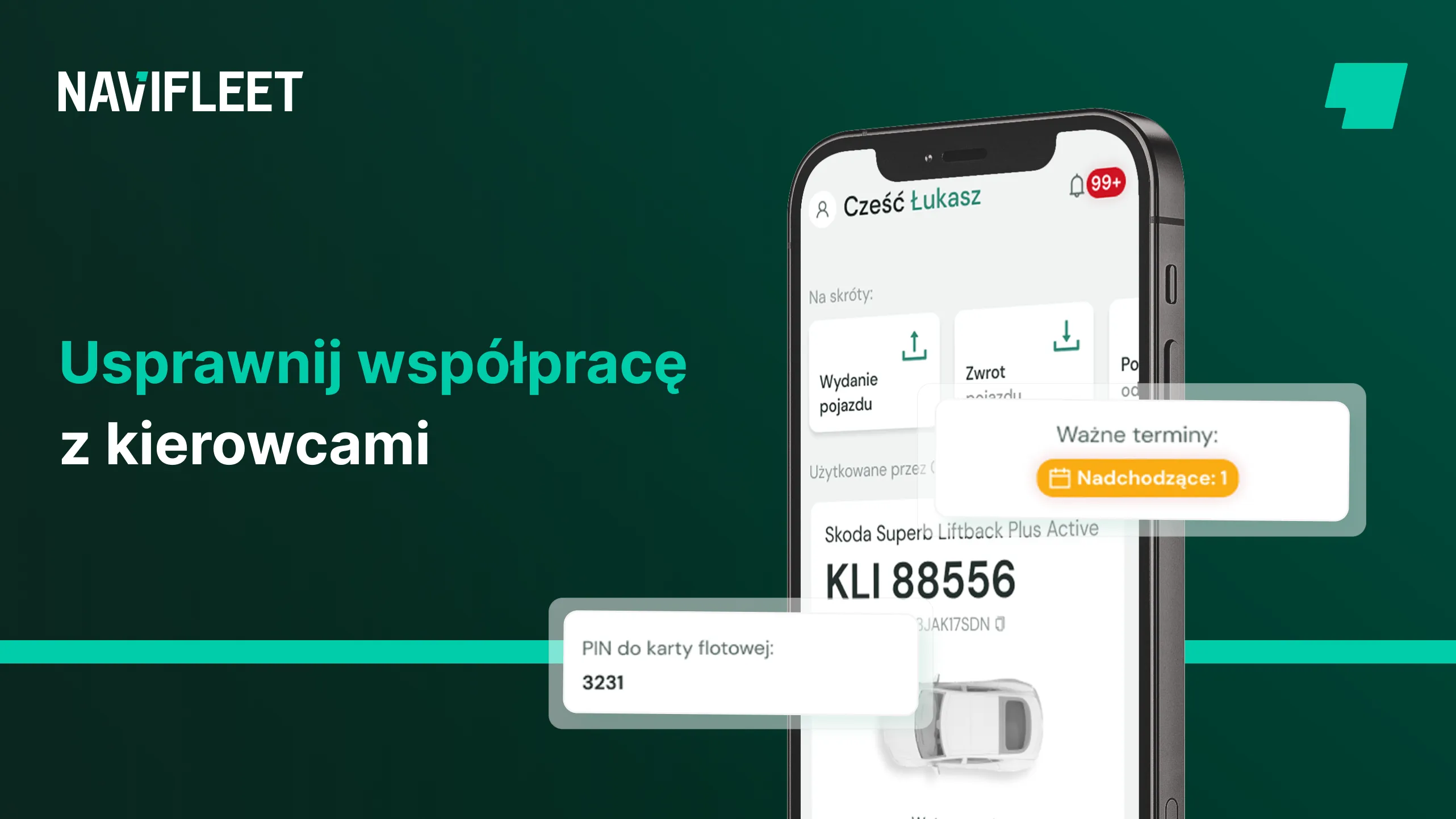
How many times in your career as the person responsible for the fleet have you already answered the question of what to do after a minor collision? How many times have you dictated the policy number? Or perhaps you have shared instructions on what to do before travelling abroad?
A fleet manager does not have to be a call centre employee if they properly collect and share all the key documents, information and procedures with their users.
If the users in your fleet:
- often do not know how to behave in various situations,
- ask repetitive questions about vehicle operation,
- ask you to send a scan of a vehicle document,
- contact you about the matters above,
- and on top of that you have to send them, for example, confirmations of insurance cover,
then stop wasting time on repetitive tasks and take a break from the constant phone calls.
See how easy it is to build a knowledge base for the users in your fleet with the Navifleet Manager app.
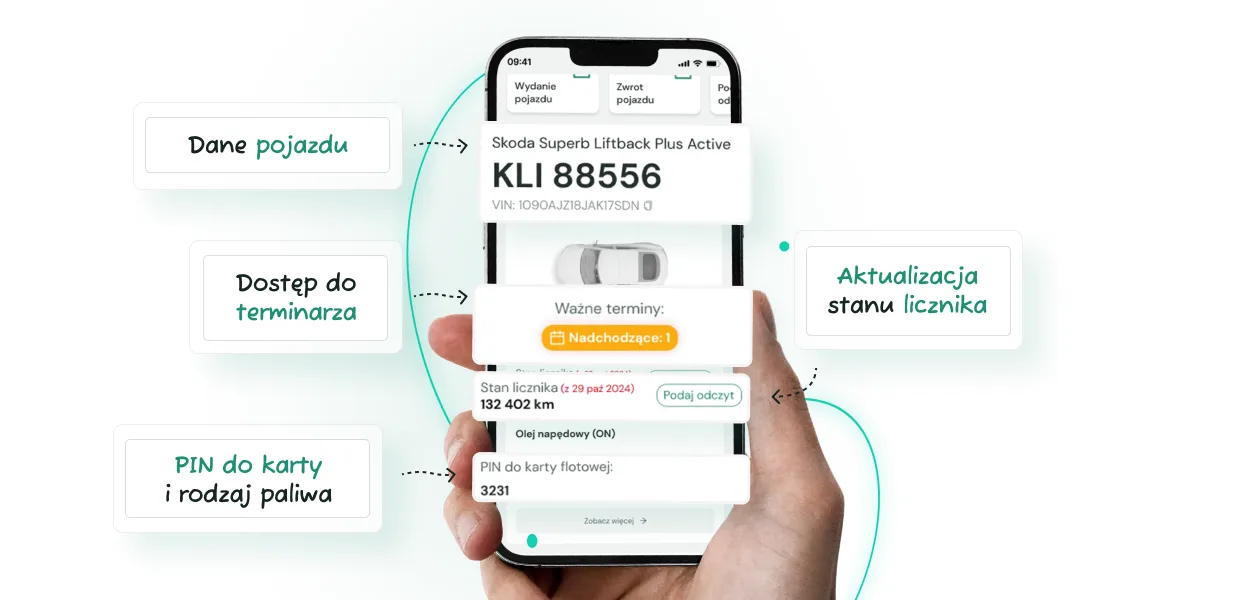
1. Access to vehicle data
In the Navifleet Manager app, every user has access to the basic data of the vehicle assigned to them, from the registration number to the fleet card PIN or VIN. Above all, they see all the vehicle's data, such as:
- registration number,
- make and model,
- VIN,
- fleet card PIN,
- fuel type,
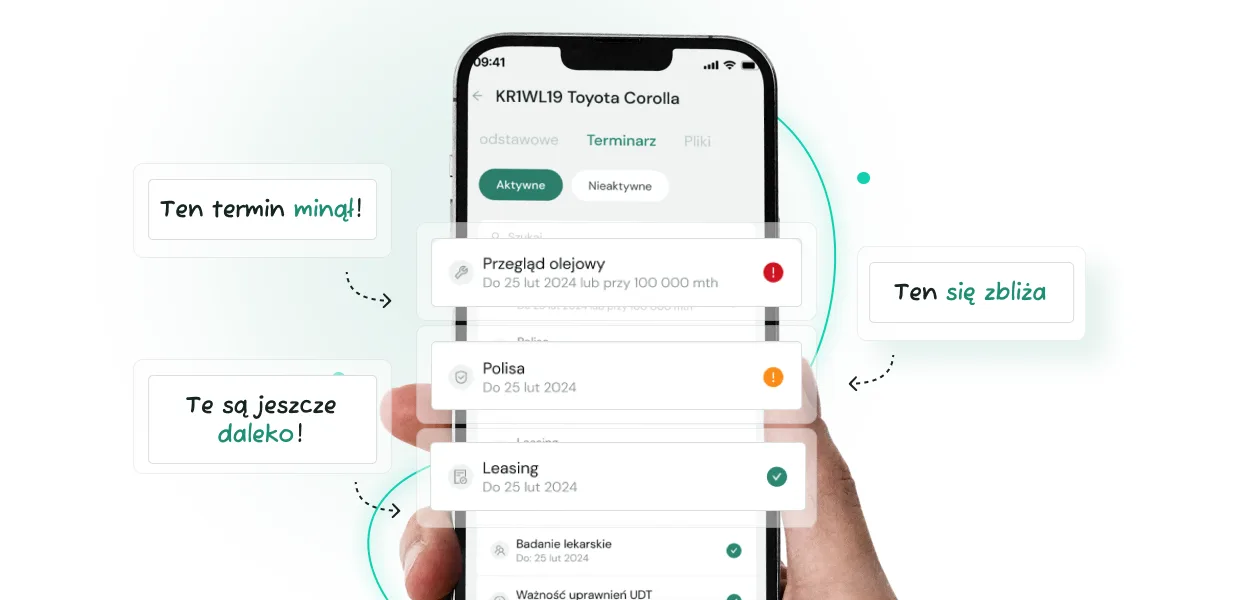
- all the deadlines added for that vehicle.
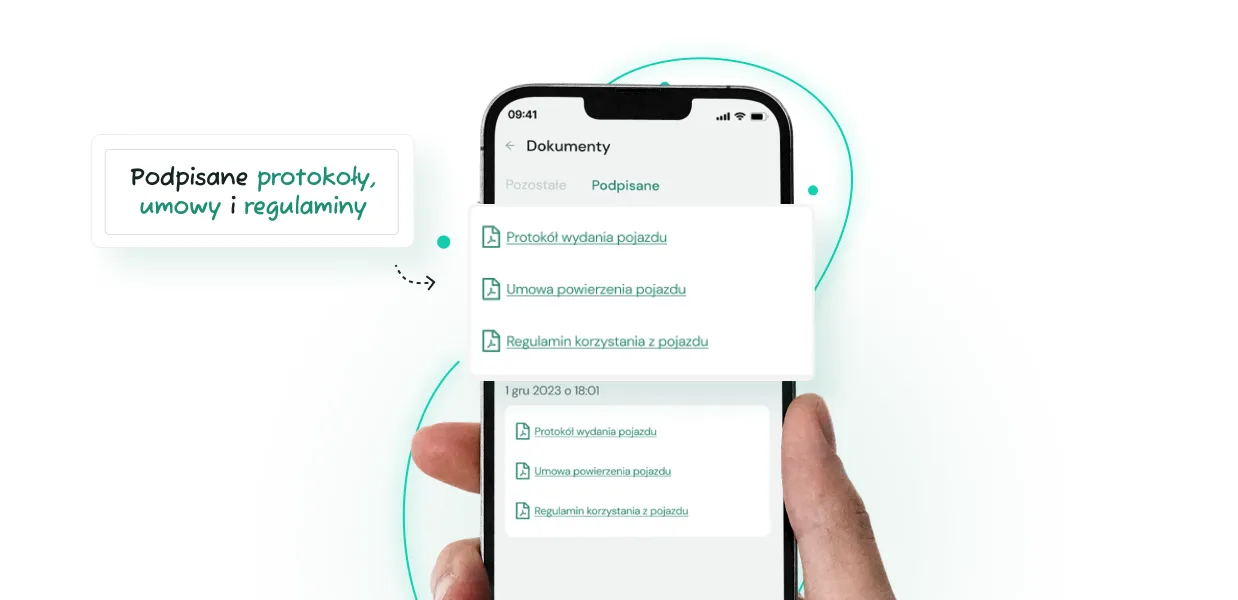
2. Access to documents
Besides the basic data, you can attach to each vehicle the individual documents the user signs at handover: the vehicle handover report, the entrustment agreement, the vehicle usage rules or the table of fees and charges.
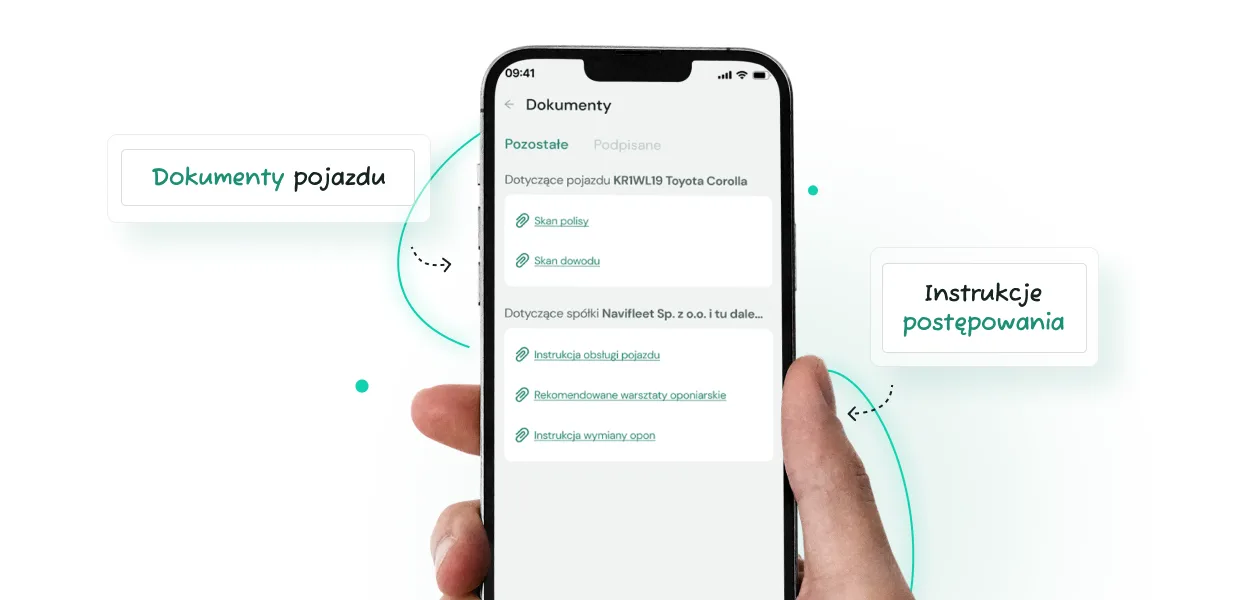
3. Access to additional documents such as procedures
To a fleet's company in the app, you can also attach documents available to all users, such as your fleet policy, vehicle operating instructions, recommended tyre workshops, the procedure to follow in the event of a collision, and much more.
Once the knowledge base is built, updating it with new documents is just as easy: add new files, such as confirmation of insurance cover, directly in the app instead of sending them out and informing each user individually. In the Navifleet Manager app you can add files up to 5 MB each, in jpg, jpeg, png and pdf formats.
4. Notifications of upcoming deadlines
Likewise, instead of sending email reminders or, worse, calling every user to remind them that the tyres need changing soon, enter the important deadlines into the Navifleet Manager app and it will notify users for you.
Try Navifleet for free
Try Navifleet Manager for free, create an account and build a shared knowledge base for all the users in your fleet.



