
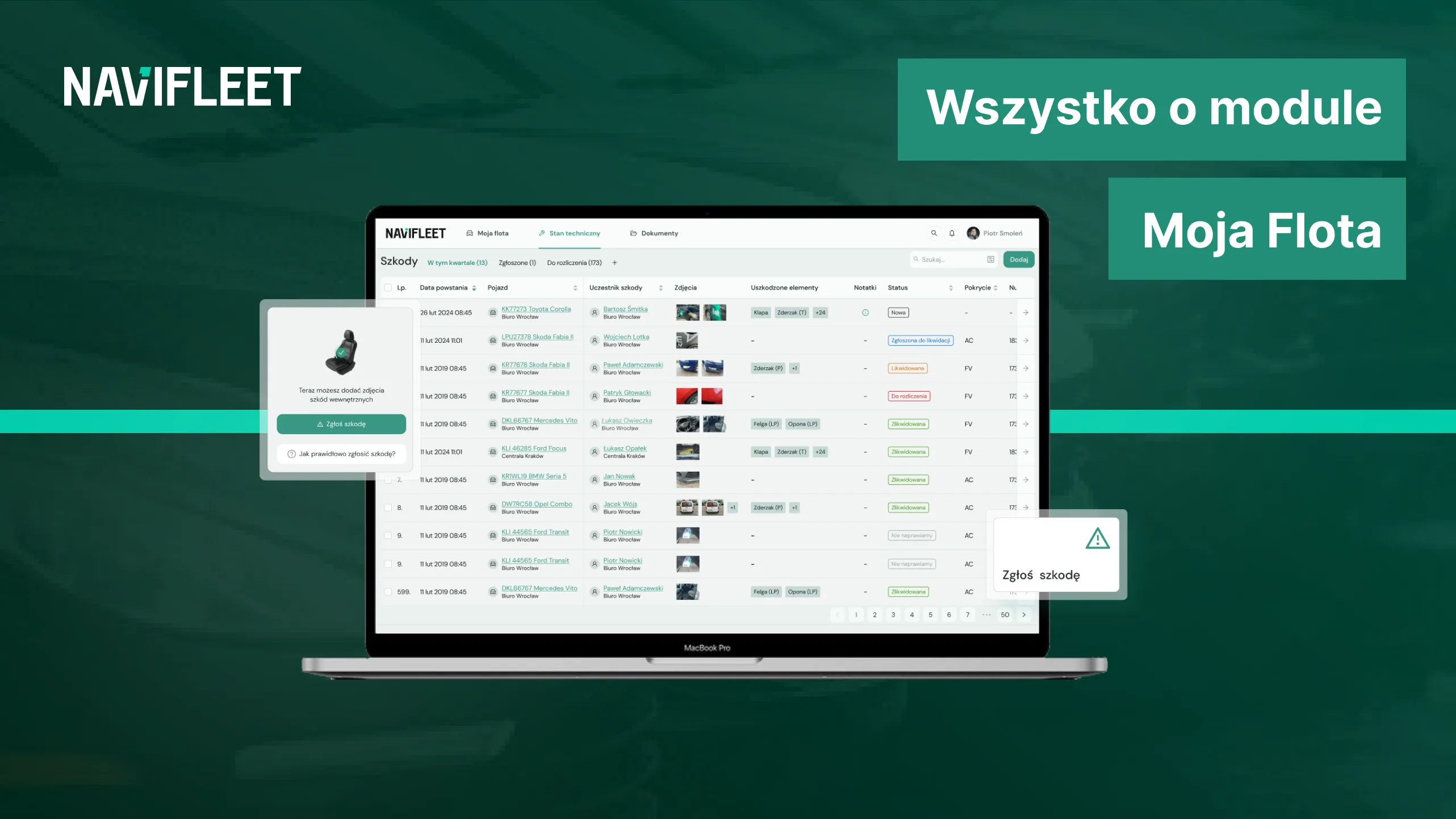
The My Fleet module:
- is a command centre for every fleet manager thanks to the efficient aggregation of the most important data on vehicle users, the vehicles themselves and the companies you have added,
- is available within the Navifleet Manager application, which does not require long-term contracts – just a no-strings monthly subscription, similar to the one you pay for Netflix,
- costs PLN 5 net per month for each vehicle added to the application,
- works best in combination with the other modules available in the application: the e-Handover Reports module and the e-Documents module,
- the greatest advantage of the My Fleet module is constant, easy access to the information aggregated in it,
- in the future the My Fleet module will be supplemented with additional features, such as a reminder scheduler for key dates, vehicle grouping for easier data analysis, granting permissions to other application users, and easy data import in XLS format.
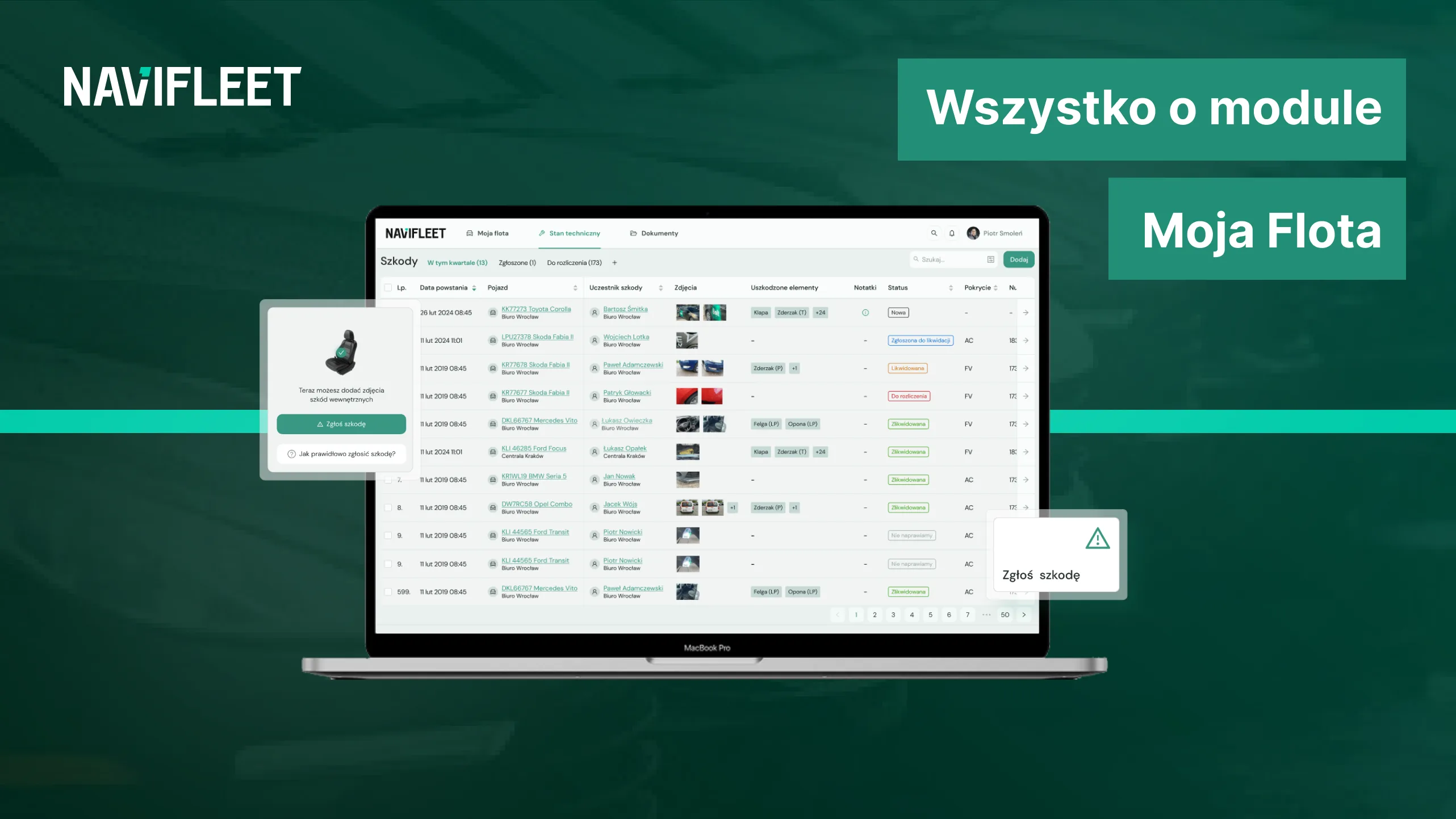
Cut vehicle handover and return time by an hour
One of the basic recurring activities in a car fleet is handing over and returning vehicles. Depending on the size of your fleet, this may need to be done even a dozen or more times a day.
Every handover and return process has its fixed elements, the same for every fleet, while also possibly requiring individual steps specific to your fleet.
But no matter which steps make up the vehicle handover and return process in your fleet, with the right tools you can speed it up considerably.
How?
By using the Navifleet Manager application, and more specifically the My Fleet module in combination with the e-Documents and e-Handover Reports modules.
For example:
- When generating a new handover report in the e-Handover Reports module, you do not have to enter the same data yet again, such as details of the company, the specific vehicle or its user – they will be automatically pulled in from the My Fleet module.
- One of the vehicle users in your fleet had a minor collision and scratched the bodywork of the car they were driving. After the collision, they simply launched the Navifleet Manager application on their phone and entered all the relevant information about the new damage to the vehicle, including the appropriate photo documentation. So you do not have to enter this information into the report – it will be automatically loaded from the e-Handover Reports module.
- When handing over a new vehicle you need several documents signed by the driver, but with the e-Documents, e-Handover Reports and My Fleet modules you will not have to print, photocopy or physically hand any of these files to the driver. You add all the necessary files to the e-Documents module, they are automatically loaded for the vehicle user when the report is created, and the user then signs them electronically. The My Fleet module completes the picture: reading the vehicle user's e-mail address, it sends the signed documents to their inbox.
And these are just a few examples of using all the application's modules to speed up the basic processes performed in a car fleet.
We want to stress, however, that although the My Fleet module works in perfect synergy with the other modules available in the Navifleet Manager application, this does not mean you cannot use it on its own.
Far from it.
Below you will learn more about the My Fleet module itself and read about how you can use it to streamline your fleet's work.
What is the My Fleet module?
The My Fleet module is one of the three parts of the Navifleet Manager application. My Fleet is the command centre for every fleet manager – this is where all the most important data from the whole application is aggregated.
Currently this module focuses on records of the users, vehicles, companies and files you have added, but it will also be extended with additional functionality, such as a scheduler with reminders, advanced filtering and saved views, and vehicle grouping.
My Fleet was introduced to make optimising processes in your fleet as easy as possible and to give you easy access to all the most important information about it in one place, 24/7.
A subscription instead of a long-term contract
The Navifleet Manager system is available as a web application and a mobile application operating on the SaaS model, i.e. Software as a Service.
Instead of a long-term contract completely unsuited to your fleet's needs, you can buy a monthly subscription made up of the modules and the number of vehicles you need.
Perhaps it will be a combination of the e-Handover Reports and e-Documents modules with the My Fleet module, or perhaps just the My Fleet module – you can compose the application as you wish.
What is more, you can test our solution free of charge for 7 days, and easily cancel a purchased subscription with one month's notice.
You decide whether Navifleet Manager is the right product for your fleet.
How much will it cost you?
The My Fleet module will cost you PLN 5 net per month for each vehicle added.
Example: let's say you have 55 vehicles in your fleet → the monthly cost of the My Fleet module is then PLN 275 net every month.
Of course, you can add further modules available in the Navifleet Manager application, which involves additional costs.
Browse the available features
To be sure that the My Fleet module is something that will streamline your work as a fleet administrator, browse what is currently available in this area of the application.
A single source of truth
All the data about your fleet can be kept in one organised place.
The My Fleet module provides:
- vehicle records – so that every vehicle added to the application is gathered in one place, together with the most important information about it. Here you can check the VIN, registration number, make and model of each vehicle, and the date of its first registration.
- user invitations and records – every vehicle user in your fleet or administrator can easily create an access account for the application, and you get information about all the key people in your fleet in one place. Finding the phone number of a new driver will no longer be a headache.
- company records – distributed or larger organisations can also add multiple companies to the application, together with the most important information and files about them. Combined with the e-Handover Reports module, the relevant details and logo will then be automatically attached to every electronic report.
- file records – in the My Fleet module you can also easily add every important document directly to the application. Whether it is a scan of an insurance policy, your fleet policy, the rules of use or the vehicle manual, the drivers added to the application can then quickly find the documents they need on their own.
This gives you one organised place where you will find all the most important information and documents related to your fleet. What is more, you have access to them 24/7, without unnecessary effort.
You do not have to search your drive for files saved under different names, and you do not have to rush to the office to find the right binder.
You will find everything on your phone.
Eliminating repetitive tasks
Besides a tidy drive and peace of mind, the My Fleet module also lets you eliminate many unnecessarily repetitive tasks.
A good example is the ability to add generally available documents directly to the application, where they are catalogued by the My Fleet module.
This way, your drivers can easily read your fleet policy or the rules for using the vehicle provided to them on their own, or find the document they need for an unexpected roadside check, such as a scan of the insurance policy.
Easy data analysis
Access to all the most important information about your fleet lets you look at the whole picture and, as a result, analyse it properly.
For example, you can easily check what percentage of your fleet is made up of electric vehicles or vehicles of a specific model.
Going a step further, you can also check whether a given group of vehicles is more prone to damage or higher fuel consumption, and thus decide whether using them is actually cost-effective.
Plans for the future
Working directly with experts in car fleet management and building on the real needs of fleet managers themselves, we have decided to extend the My Fleet module with additional features that go beyond simple data aggregation.
Below you will find a description of the features that will be added to the My Fleet module over the next few months.
Never an expired policy again
With the technical condition of dozens of vehicles on your mind, it is easy to make a mistake – even with a perfectly completed Excel spreadsheet.
Policy expiry, an upcoming warranty service, returning a vehicle to the leasing company, or a routine roadworthiness test – with the reminder scheduler in the My Fleet module, all deadlines will be looked after for you.
To minimise the risk of failing to renew an important deadline or, worse, a financial penalty, you will be able to add important dates to the Navifleet Manager application – and when the time comes, we will notify you by e-mail of the approaching deadline.
The deadlines the application is to look after for you can be added as a simple date or, for example, based on the kilometres driven by a given vehicle.
We are adding the reminder scheduler feature to the application in July 2024.
Better together
The next planned feature within the My Fleet module is vehicle grouping.
From the vehicles on record, you will be able to add each of them to groups you create and then assign specific functions to them in the system.
Grouping will help you with bulk operations. For example, if you wanted to create a cost report for your fleet broken down by specific vehicles, you simply select the appropriate group instead of ticking each vehicle individually.
We are adding the vehicle grouping feature to the application in October 2024.
Sort and save
Browsing large amounts of data is much easier when you have properly prepared filtering and sorting at your disposal.
With the additional sorting and filtering functionality, you will be able to easily define various filtering and sorting conditions for all the lists available in the system – including the records of users, vehicles, files and companies.
What is more, to streamline your work even further, you can save your favourite filtering or sorting settings so you can easily return to those specific views later.
We are adding the filtering, sorting and saved views with quick access feature to the application in November 2024.
Remove what you don't need
The users and vehicles in your fleet will change from time to time. But it is not always a new addition – sometimes it means removing existing ones.
The My Fleet module will therefore also be extended with the ability to deactivate vehicles no longer in use and to deactivate users once they have left the fleet.
Importantly, deactivating a given vehicle or user does not delete its history or data from the application.
This feature will let you easily keep your fleet in order, while giving you quick access to historical data whenever you need it.
We are adding the feature for deactivating vehicles and users while retaining historical data to the application in December 2024.
Import and export
Lets you add or update vehicle or user data in bulk from an XLS file and generate tabular reports from all modules in the system.
It shortens the time needed to add vehicles to the system or edit data, and allows data to be exported from the system for any further processing you need in an XLS file.
We are adding the feature for deactivating vehicles and users while retaining historical data to the application in December 2024.
A quick summary of the benefits
To sum up what matters most: how will the My Fleet module streamline your work as a fleet manager?
Above all, you gain a "single source of truth", one place that gathers all the most important data about your fleet. From user records to the vehicles themselves and documentation, whatever you need, you can easily check it on your phone.
This also means far fewer phone calls from drivers and fewer unnecessary interruptions to your work. In the event of a collision, your drivers can look up the required procedure you attached to the application themselves. In the event of an unexpected roadside check, they will find the scan of their vehicle's registration document themselves.
The additional features we are adding to the My Fleet module will also let you:
- never miss an important deadline – with the reminder scheduler, just add important dates to the application and we will look after them for you.
- make bulk operations and data analysis easier – with vehicle grouping, you will no longer have to manually click through the vehicles you are interested in one by one.
- grant the right permissions to other users – with the permissions feature, you will be able to define yourself what access to data or actions in the application other users should have.
- easily return to the data you are interested in – with filtering, sorting and saving your favourite view settings for quick access, you will easily get back to specific information.
- keep your system in order – with the feature for deactivating inactive users or vehicles, you will be able to keep your fleet tidy while easily returning to all the historical data linked to a deactivated account or vehicle.
- add, export and edit data in bulk – with XLS data export and import, you will streamline your work with large amounts of data.
Get in touch
Instead of getting lost in the depths of Excel or Google Drive, focus on what will truly optimise your fleet's work with the My Fleet module.



