
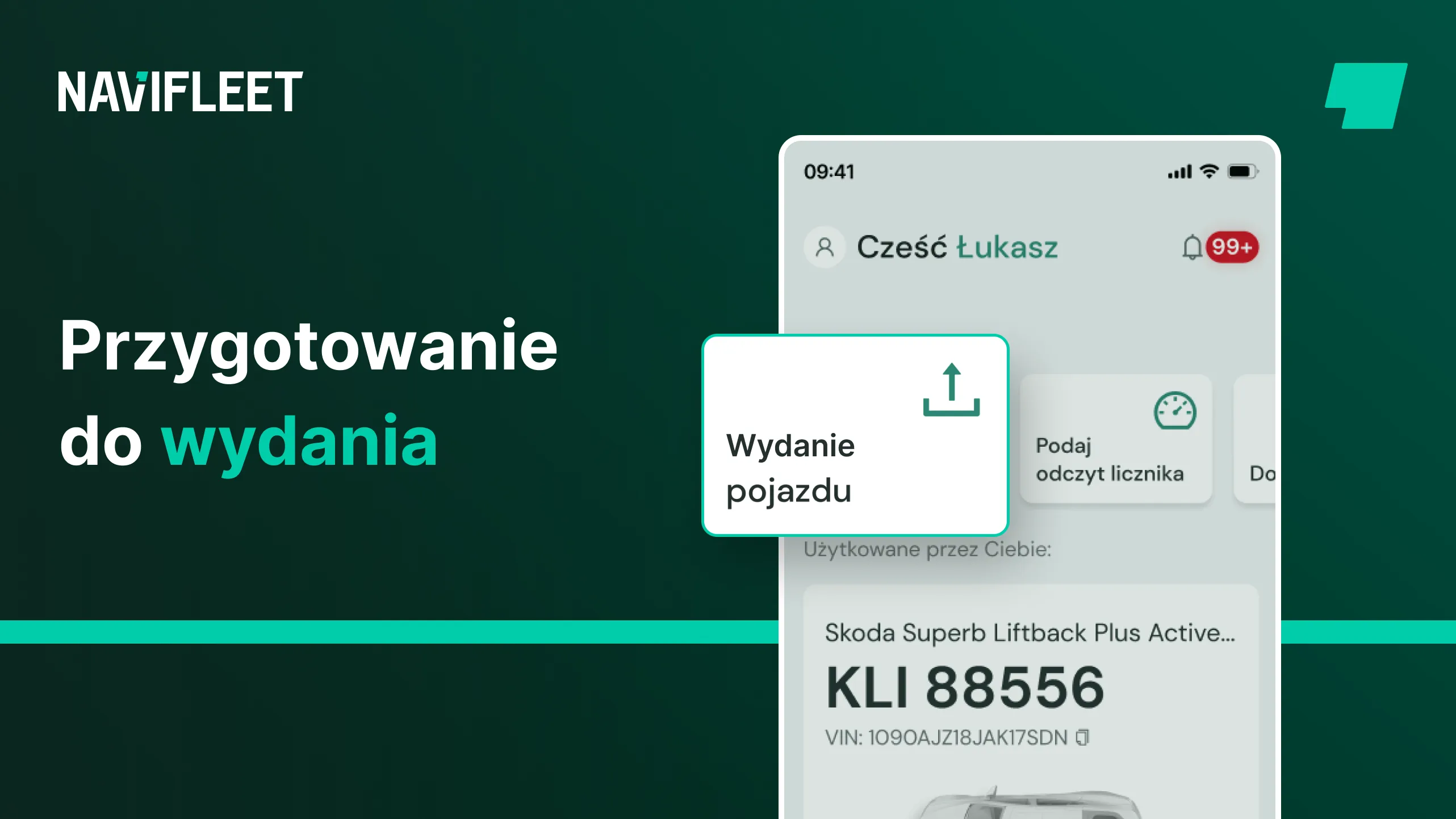
Having to work from the office, remembering to print all the necessary documents, the frustration of filling in the same data by hand, and the tedious search for the last handover. These are just a few of the tasks that can take hours when preparing documents for a vehicle handover.
See what preparing a vehicle handover could look like with the Navifleet Manager application.
Preparing a handover in the Navifleet Manager application
1. Creating an account
If you do not have an account yet, simply go to navifleet.pl, select the Navifleet Manager product from the menu and click the registration button to start creating your account.
Step by step, by filling in your details, you will create your account and add your first vehicle.
2. Preparing the documents
The process of preparing for a handover starts with preparing the necessary documents for printing, such as the vehicle handover report, the vehicle manual, the vehicle entrustment agreement or vehicle rental agreement, and even the table of fees and charges for damage caused.
In the Navifleet Manager application the report template is already loaded and you do not have to do anything.
You add the other necessary documents in the application only once, marking which ones must be signed. At every vehicle handover they will be attached to the report straight away, the vehicle user will be able to read them immediately, and you can be sure you will not forget anything. If you have many companies in your fleet, you can upload separate templates for each company.
First, mark that signing the document is required at the vehicle handover, then indicate by whom. At every vehicle handover we will generate from this template a PDF document filled in with the appropriate data, ready for signing. If you mark a document as not requiring a signature, the vehicle user will still have access to it, but will not have to sign it at the handover.
The template of a document requiring a signature at handover is an ordinary text file in *.docx format. The only thing you need to remember is to include so-called variables in its content, which will be automatically replaced with data at every handover.
On our website we have described the whole process of uploading a document, where you will also find a sample vehicle entrustment agreement and see how it is constructed!
3. Checking the vehicle's condition
The next thing when preparing for a handover is checking the last known damage. Usually you ask the driver for photos or go to the car park yourself to photograph the vehicle, write down the damage, then go back to the office, upload the photos to the drive, to a separate folder for each car. Finally, in Excel, in the damage sheet for the given car, you check which damage is already recorded, and if there is any new damage, you add it. On average this probably takes 30–40 minutes per vehicle.
In the Navifleet Manager application, simply start "Vehicle handover or return" in the mobile app and the app will show the damage already added.
And that's it! With the Navifleet Manager application you do not have to check damage or look for vehicle data – you just take out your phone and start creating the report, and all the damage is already there and will be automatically transferred to the report.
Optionally, if you have time, in the "My Fleet" module, in the list of all vehicles, you will find the one you want to hand over. When you open that vehicle, you will see all the information about it together with the last report, where you will also find the photos from the last handover or return.
4. Handing over the vehicle
And done. You create the report itself from the mobile app. All the vehicle and driver details are filled in automatically. The documents you uploaded will also be available to you and the driver during the handover. Everything is at hand wherever you have internet access – you do not have to be in the office.
In addition, all the data you fill in during the handover will be automatically updated in the system, and you will not have to copy the data into Excel a second time or upload photos to the drive.
Summary
Navifleet Manager makes creating vehicle handover documentation quick and easy, giving you remote access to data and documents and the ability to create reports electronically.
With Navifleet Manager you can add any documents and create a list of those required to be signed at the vehicle handover. You can add and manage the list of equipment to be checked in each vehicle, to make sure that every time you verify not only the technical condition but also the vehicle's equipment.
In Navifleet Manager you will find all the previous photo documentation of damage to the vehicle you are interested in, so you can easily compare the vehicle's previous condition with the current one before the handover.
When creating a vehicle handover report, the Navifleet Manager application automatically fills in the necessary data in your documents, whether for the company, the vehicle or the driver. You will prepare the required report without a visit to the office and you do not have to print anything.
With electronic signatures on the reports, you complete the entire vehicle handover process and can forget about hunting for a working pen before the scheduled meeting.
After the vehicle handover you will find every document in the Navifleet Manager application, and the driver will receive all the documents they signed in their inbox, eliminating any misunderstandings.
Navifleet Manager helps reduce costs and automate processes, increasing fleet management efficiency.
Sign up for a free trial today to see how Navifleet Manager can help you minimise paperwork and simplify vehicle handovers.



