
This article covers Polish regulations and market practice. The principles apply elsewhere, but check the rules in your country.
The switch from viaTOLL to e-TOLL gave drivers, fleet managers and business owners a headache. Among the many questions that arose, one of the most problematic is how to send data to the e-TOLL system.
At the request of the e-TOLL system operator (KAS, the National Revenue Administration), an e-TOLL app was created that can be used on mobile devices. On the other side of the barricade stand the proven solutions: subscription-based e-TOLL devices (OBU and ZSL). Today we look at the pros and cons of both options.
The toll collection system and a GPS tracker
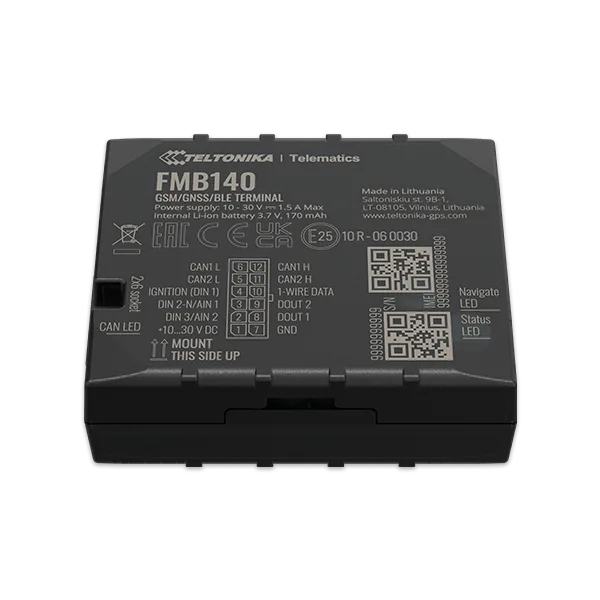
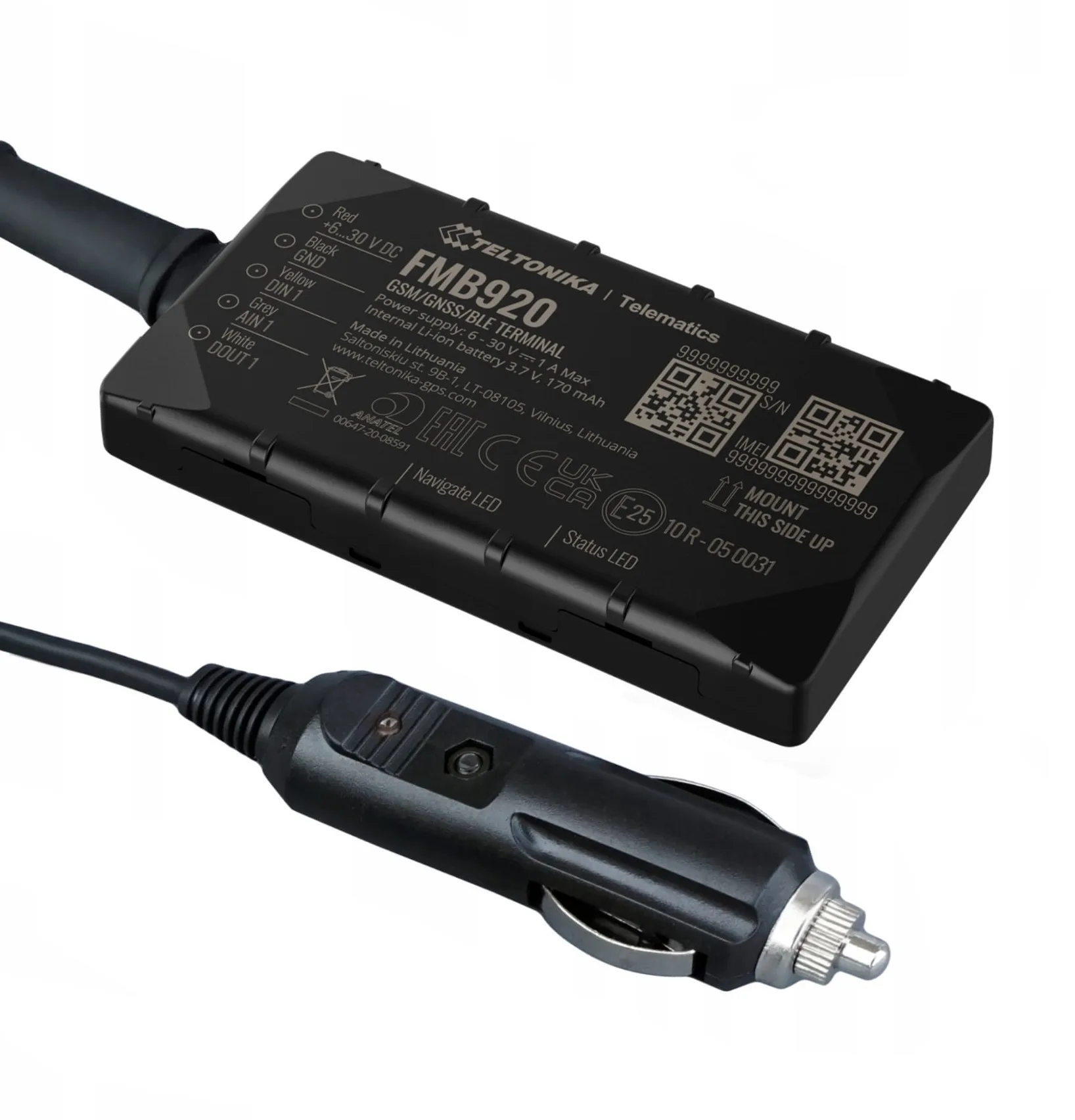
If you opt for a GPS tracker, you have to reckon with the need to install it. Fortunately, the word "installation" is a bit of an exaggeration here. Devices powered from the cigarette lighter socket or the OBD II port are available on the market, which is very convenient. The second option is a device wired into the vehicle's electrical system. Entrusted to professionals, this takes only a few minutes.
The device is registered with e-TOLL and all you need to do is add it to your Online Customer Account (IKK) using its business number (the administrator of all e-TOLL data is the Head of the National Revenue Administration) and switch it on before setting off. That is where your role ends. The device will send location data to the system without any attention.
Source: teltonika-gps.com
Source: teltonika-gps.com
The government app for e-TOLL payments
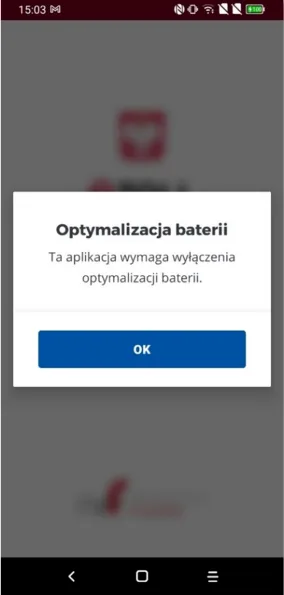
The National Revenue Administration has made the e-TOLL app available on Google Play and the App Store. After downloading and launching it, we run into the first problem. The app requires us to disable battery optimisation. Given that the app is quite power-hungry, on a longer journey this may result in the phone running flat or overheating. If that happens, the location data will not be sent and we will receive a fine (from PLN 500!).
Registering with e-TOLL and setting up a journey
The next steps include, among others, registering in the app and setting up a journey. Users have many reservations about how intuitive these stages are. Copying the business number on a mobile device is awkward.
A journey must be configured before setting off. Going through the individual steps while driving will be difficult and, above all, dangerous. Those who forget will have to look for a car park to set up the journey in peace.
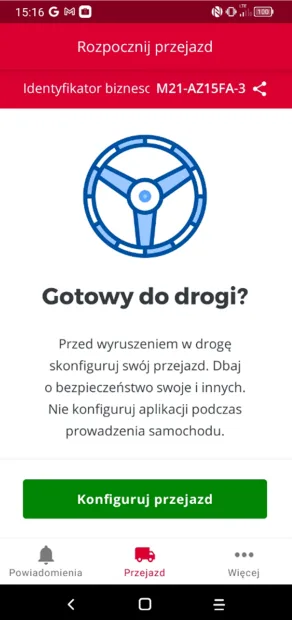
Source: e-TOLL PL mobile app user manual
Using the e-TOLL app behind the wheel
Even if we configured the journey before setting off, while driving we still have to manually start and then stop the toll calculation (as a reminder, under Article 45(2)(1) of the Polish Road Traffic Act, a driver is prohibited from "using a telephone while driving that requires holding the handset or microphone in the hand"). Moreover, the app forces us to split our attention between driving and checking the colour of the icons in the interface (Battery, GPS, Internet).
Users also mention other problems with the eTOLL app. These include, among others, having to switch off the smartphone's navigation (which most of us use) in favour of the e-TOLL app, and an unclear journey summary (the app does not show the cost of travelling a given section, but the balance of the user's account).
Finally, it is worth adding that the app's user manual runs to 38 pages. Finding a quick solution to a problem can be time-consuming.
e-TOLL costs
The cost of travelling a tolled section is the same whether you use the app or a GPS device (the electronic toll rates for vehicles with a gross vehicle weight below 3.5 tonnes and above 3.5 tonnes can be found on the government e-TOLL website). Downloading and using the app is completely free. The situation is different with a device.
An accredited GPS tracker (an OBU or ZSL device) has to be purchased. Fortunately, the cost is not high enough to put anyone off choosing this proven solution. Navifleet device prices start from as little as PLN 199! Later in this article you will find out how to save money with telematics that works with the e-TOLL system.
Reliability
Both the mobile app and eTOLL devices can let us down at the worst possible moment. The differences lie in diagnostics and how problems are resolved.
The Navifleet app as support for the e-TOLL system
The e-TOLL app and a GPS tracker both have icons/LEDs telling us whether they are working correctly. If you opt for a GPS device, however, you have an additional advantage that allows the problem to be diagnosed in more detail. This is the Navifleet platform, which the OBU or ZSL integrates with.
ETOLL – diagnostics of OBU and ZSL devices in the Navifleet app
The data displayed in the Navifleet platform includes the following information:
- connection status to the vehicle's power supply,
- battery charge level,
- time since the last position sent by the device,
- GSM signal quality,
- GPS signal quality.
Route sent to e-TOLL
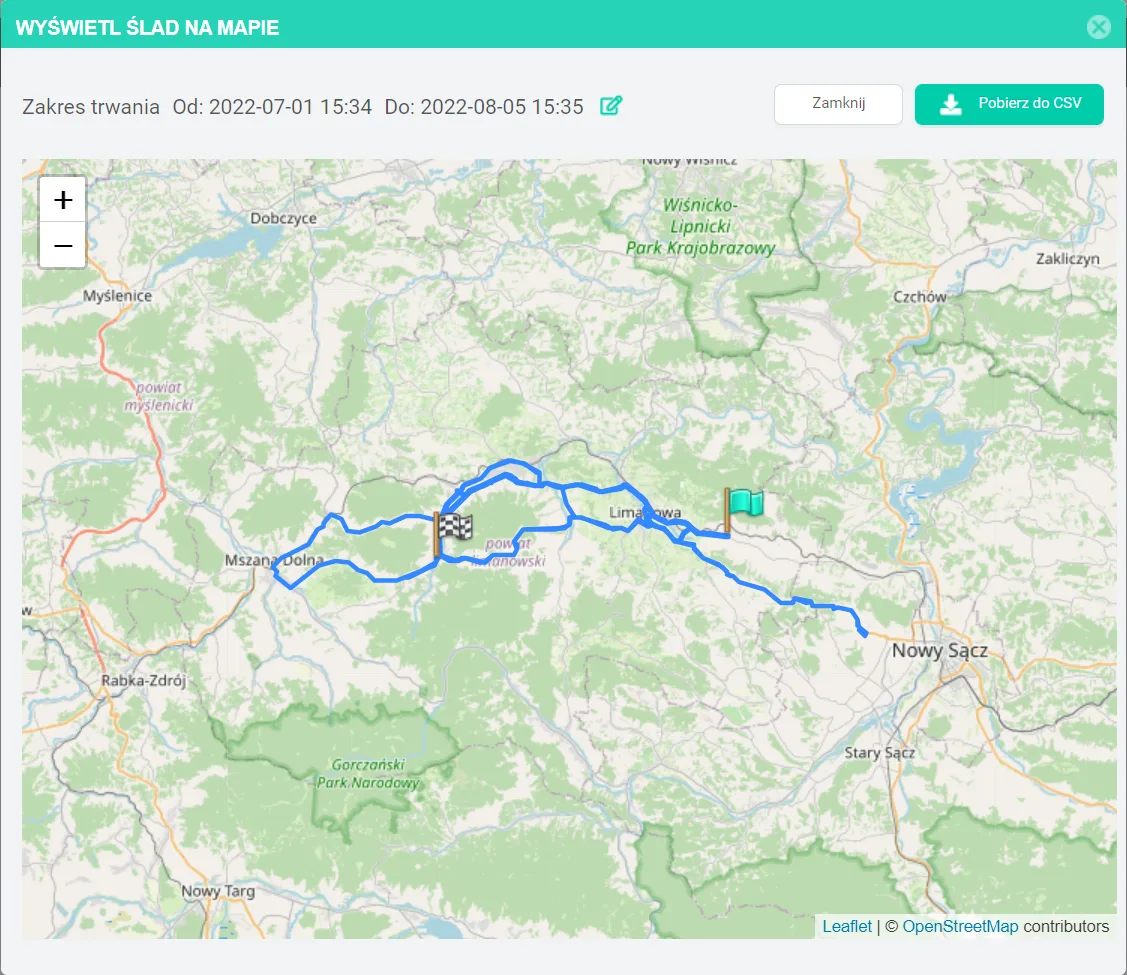
To give carriers a better overview of the situation, they have also been given the "See the last position sent on the map" feature. It makes it easy to check whether the device is sending data on an ongoing basis. In the event of a delay in the toll being charged, you can also check which route was sent to e-TOLL, to rule out unnoticed problems with sending GPS data (and unintentional non-payment of the electronic toll).
e-TOLL subscription and additional benefits
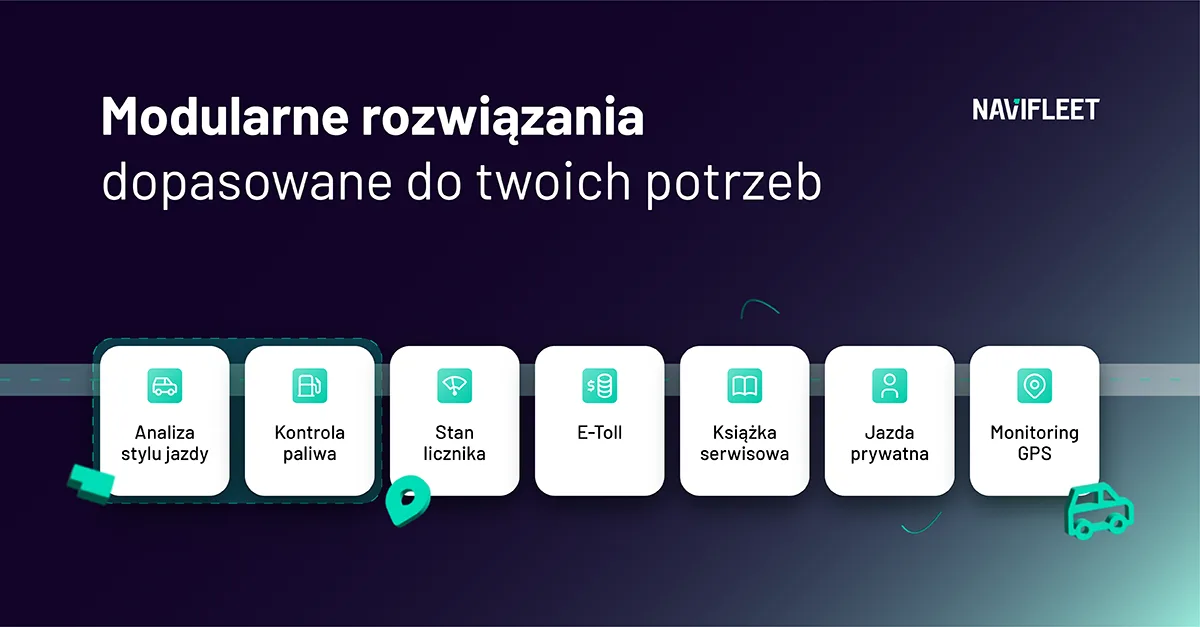
Keeping an eye on whether the e-TOLL device is working continuously is only a fraction of what the Navifleet app can do. Our offer includes a range of features that streamline fleet management and generate measurable savings. All in a single device that combines e-TOLL handling with additional modules.
The e-TOLL system and managing a light vehicle fleet and transport
A GPS tracker gives us capabilities that allow us not only to monitor vehicles in real time (including journeys on tolled road sections or forced stops), but also to optimise and streamline fleet management processes (for both light and heavy fleets) and generate real savings that will certainly cover the cost of the devices and the subscription.
An external telematics system offers both simple tools, from GPS tracking through working time verification to a virtual vehicle service book, and more advanced features: technology that analyses the driver's driving style, or a route manager for groups of vehicles handled by logistics staff.
We have written more on this subject HERE.
What to choose for handling the e-TOLL system?
Among all the users of the system run by the Head of the National Revenue Administration, there are certainly supporters of paying tolls via the mobile app as well as via GPS devices. The e-TOLL app's ratings on Google Play (1.7/5) and the App Store (1.2/5) suggest that the latter are far more numerous.
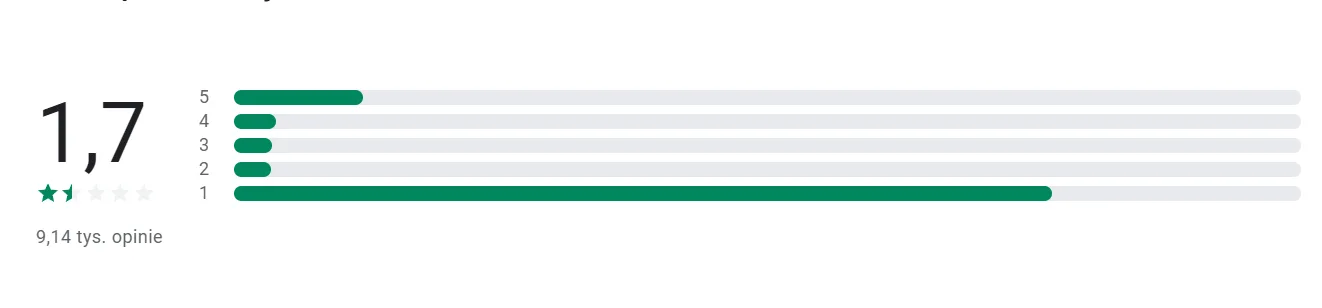
This is particularly clear in the case of medium and large vehicle fleets. The fleet manager cannot make sure that every driver switches on the app at the right time. OBU (On Board Unit) and ZSL devices work without any attention, which solves the problem.
Drawing on many years of experience in delivering telematics solutions for fleet management and working with hundreds of drivers and fleet managers, we can confidently say that we too are among the supporters of proven solutions.
There is no room for mistakes on the road. Each one is an unnecessary cost. In the current situation, it is OBU and ZSL devices that minimise the risk of them occurring and allow tolled road sections to be travelled without a hitch.



