Help › Navifleet Tracker › Navifleet integrations
Fracht.lv integration
Updated: 4 March 2022
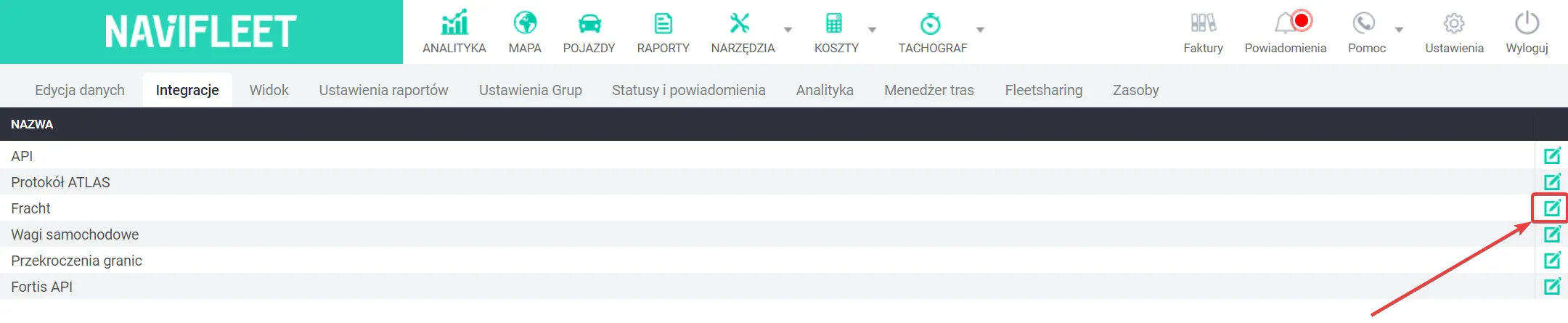
The integration with the Fracht.lv freight exchange works through an API key. To share a vehicle with the exchange, go to Settings → Integrations → Fracht.lv (Edit).
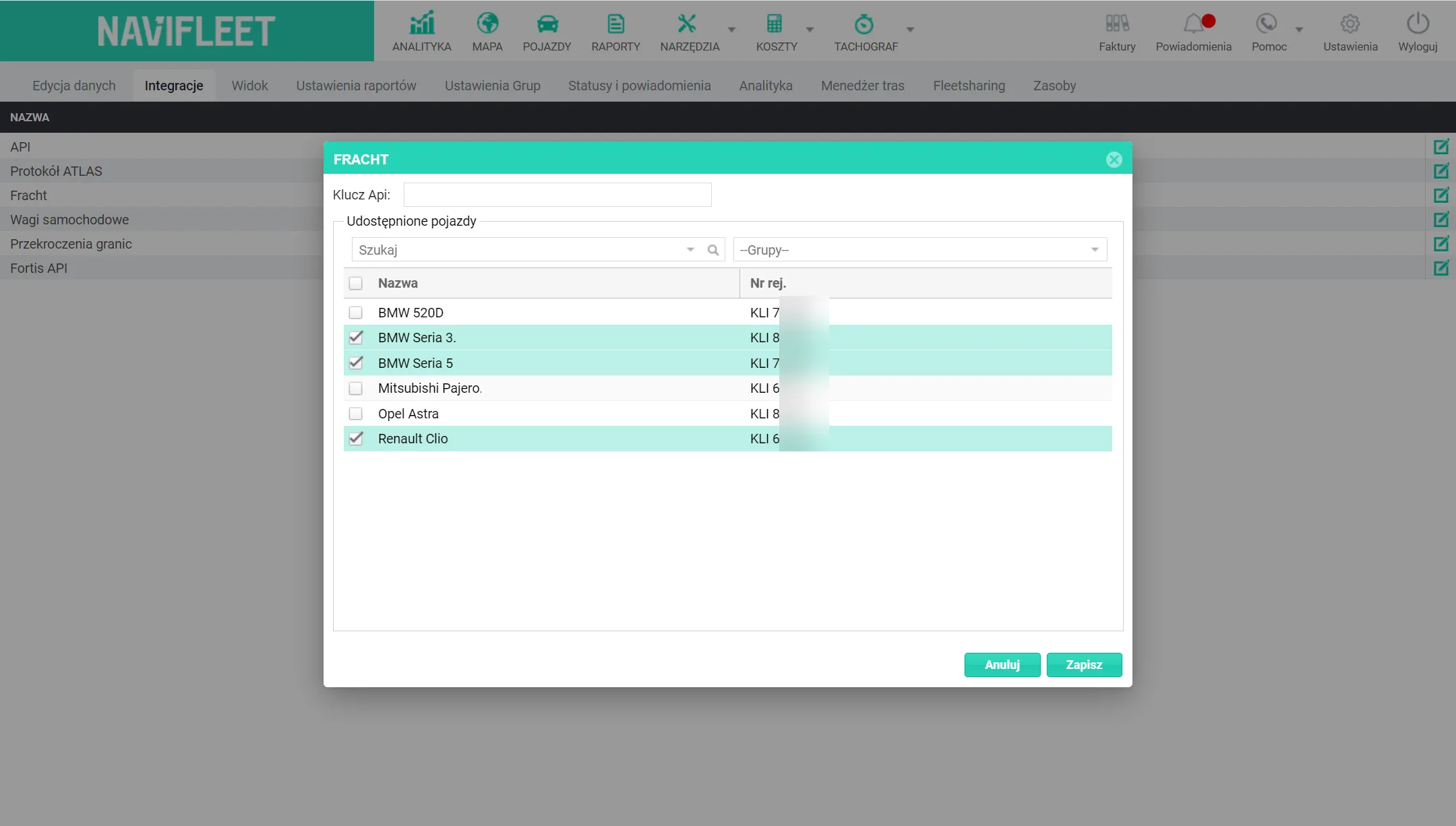
In the edit window, paste the API key, tick the selected vehicles and click Save. The API key acts as a password. Authorisation with this key is required to access the GPS data. HERE you will find out how to generate an API key.