Help › Navifleet Tracker › Navifleet integrations
Integration with Timocom and Trans.eu (ATLAS protocol)
Updated: 3 March 2022
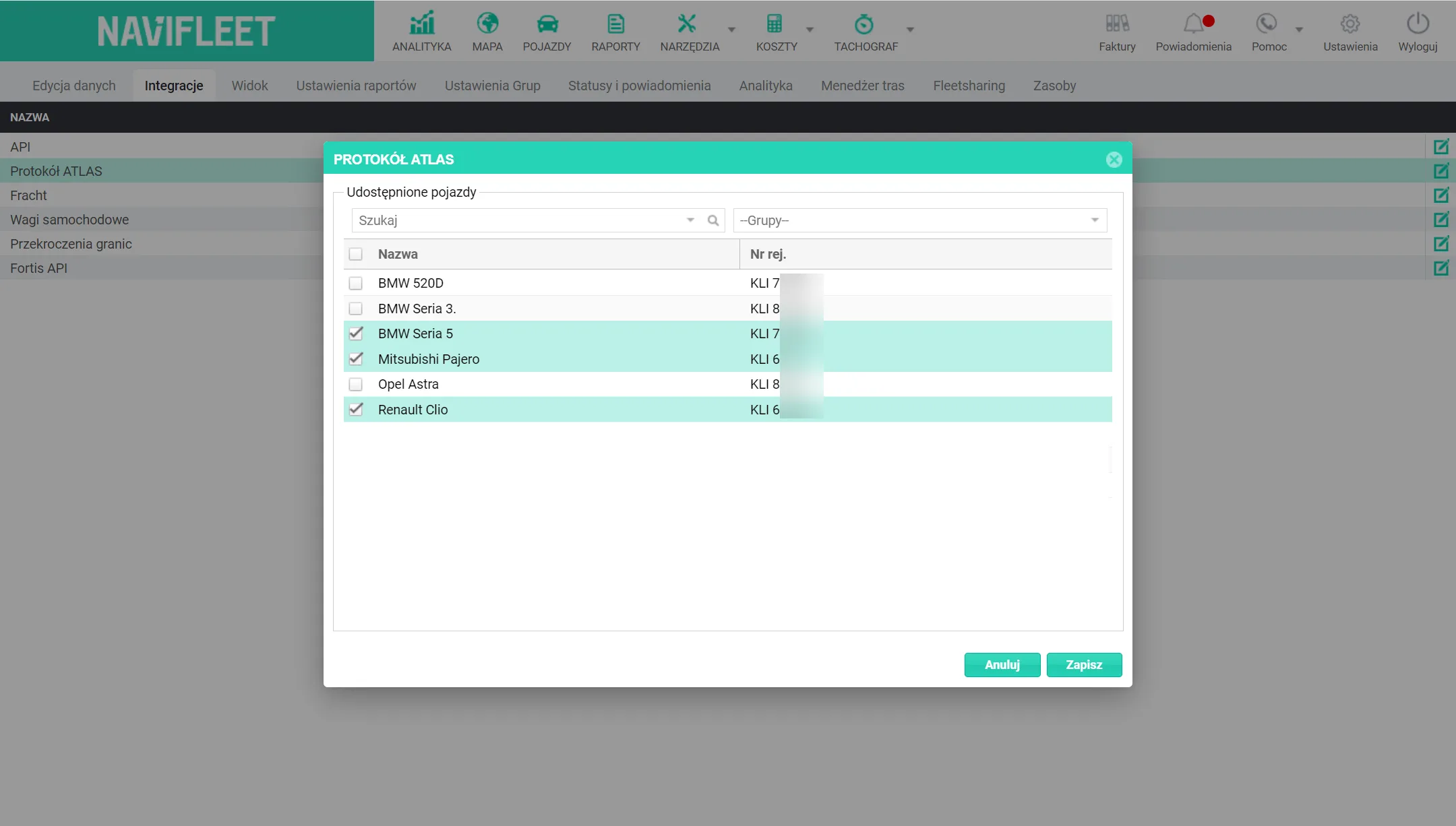
Sharing positions with the Trans or Timocom freight exchange is activated by selecting the vehicles whose positions are to be shared. In the freight exchange, add an integration with the Navifleet system and enter the login and password you use to log in to the gps.navifleet.pl app.
How to enable the Timocom / Trans.eu integration for a given vehicle:
Go to Settings → Integrations → ATLAS protocol (Edit)

Then select the vehicles you want to share and click Save.