Help › Navifleet Manager › Web panel: Scheduler
How to configure notifications about expiring deadlines?
Updated: 21 August 2026
You can set up notifications in the Navifleet Manager app to match the processes in your company.
For example:
a notification about an expiring policy can be sent to a colleague in the fleet department,
notifications about an upcoming roadworthiness test and warranty service can go directly to the vehicle user,
an alert about high mileage under a CFM contract can be directed to the person responsible for settlements.
Configuring deadline types
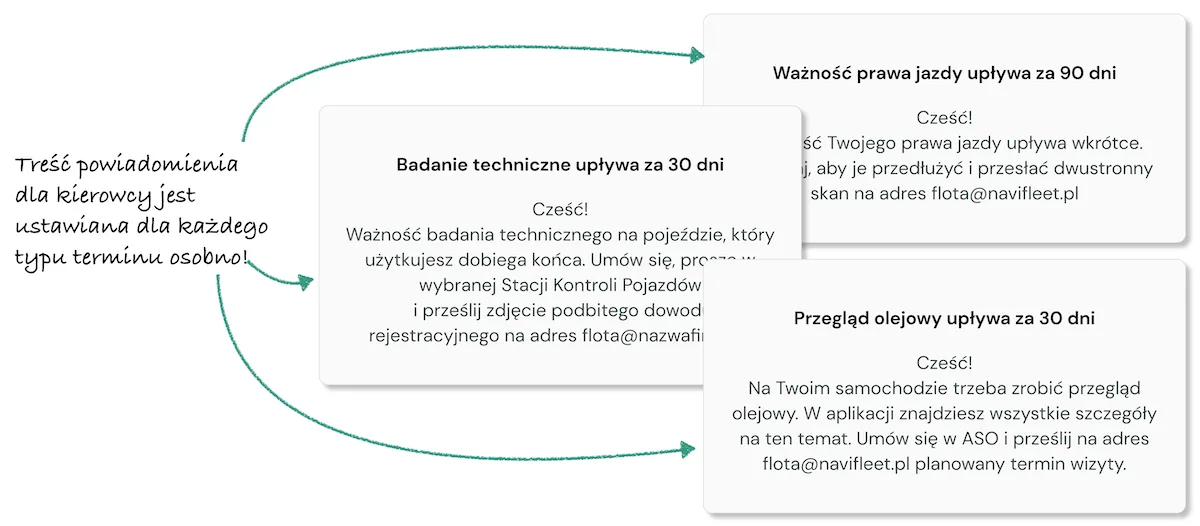
You set the notification settings for each deadline type separately. The app distinguishes the following deadline types:
Policies
Roadworthiness tests
Periodic services
Leases
Calibrations
Driver documents
Other
Deadline settings parameters
See how to adjust the Calendar parameters in the Navifleet Manager system Settings.
Tip!
You can use this module both to remind drivers about a roadworthiness test and about the validity of their driving licence. You can define different messages for each deadline type.