Help › Navifleet Tracker › e-TOLL
Journey declaration in case of GPS device failure (ZSL/OBU)
Updated: 28 September 2021
When to use a journey declaration?
If your device has stopped working, you can pay for the journey without transmitting data to the system and continue it without a working GPS device, after declaring the route of the journey.
In the Online Customer Account on the www.etoll.gov.pl website, use the “Complete journey” function and specify the place where the device stopped working and the destination. Once this is done, you can continue the journey.
You must pay the fee for the declared journey in advance. For prepaid accounts, you must have funds to pay for the journey declaration. If you do not have funds, top them up before submitting the declaration.
Below we show what the whole route declaration process looks like:
In the left menu at the bottom click "Complete journey"; a message will appear:
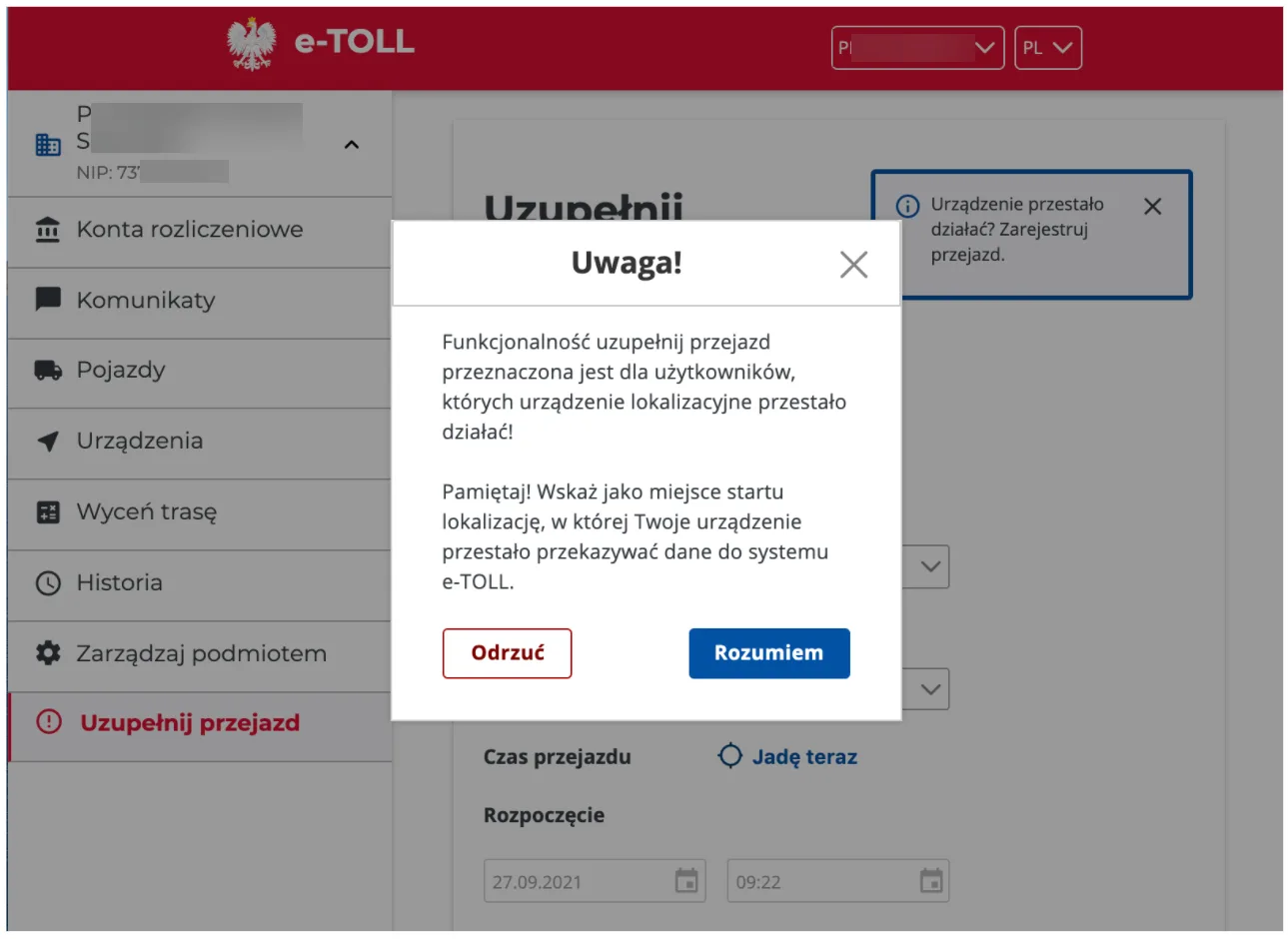
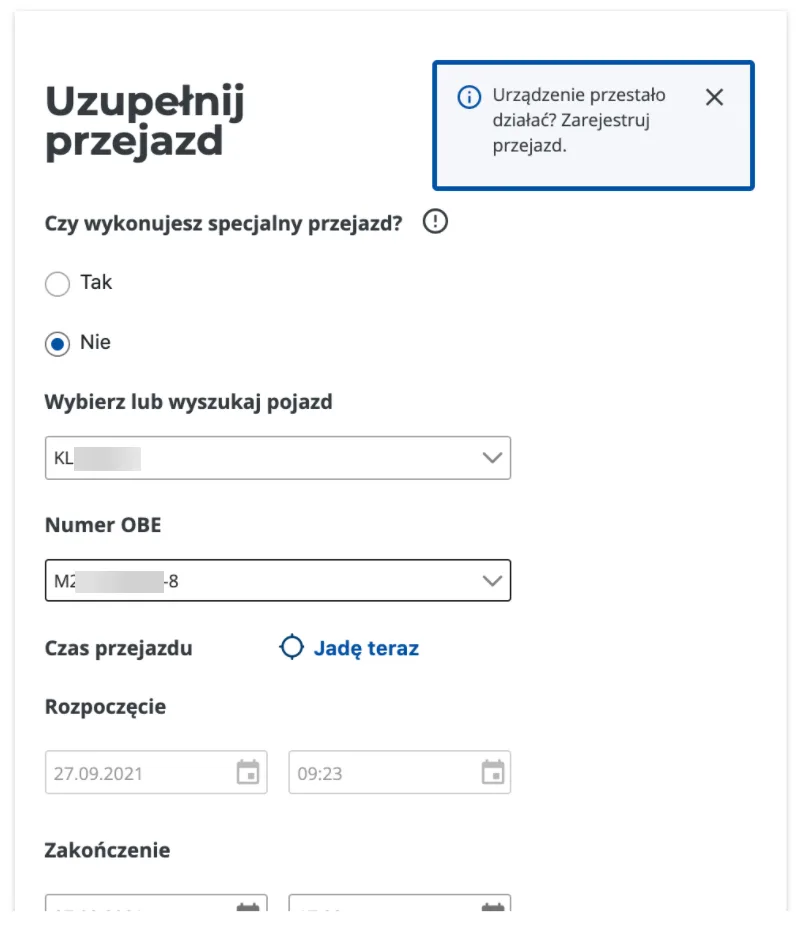
The next step is to specify whether the case concerns a special journey (an explanation of this definition can be found by hovering over the “i” icon in the right corner of the window) and to enter key information about the route being carried out, such as:
- Vehicle - the vehicle carrying out the route,
- Start - Date and time of starting to use the emergency procedure,
- End - Expected date and time of arrival at the destination.
- Route points - the route from the place where we noticed the problem with the device to the place where the route ends.
After entering the addresses or selecting them on the map with the right mouse button, click the “Calculate route” button. If the route matches our plan, click the “Register journey” button in the bottom right corner of the window. The etoll.gov.pl website will ask you to confirm this operation and inform you that the calculated amount will be debited from your settlement account.
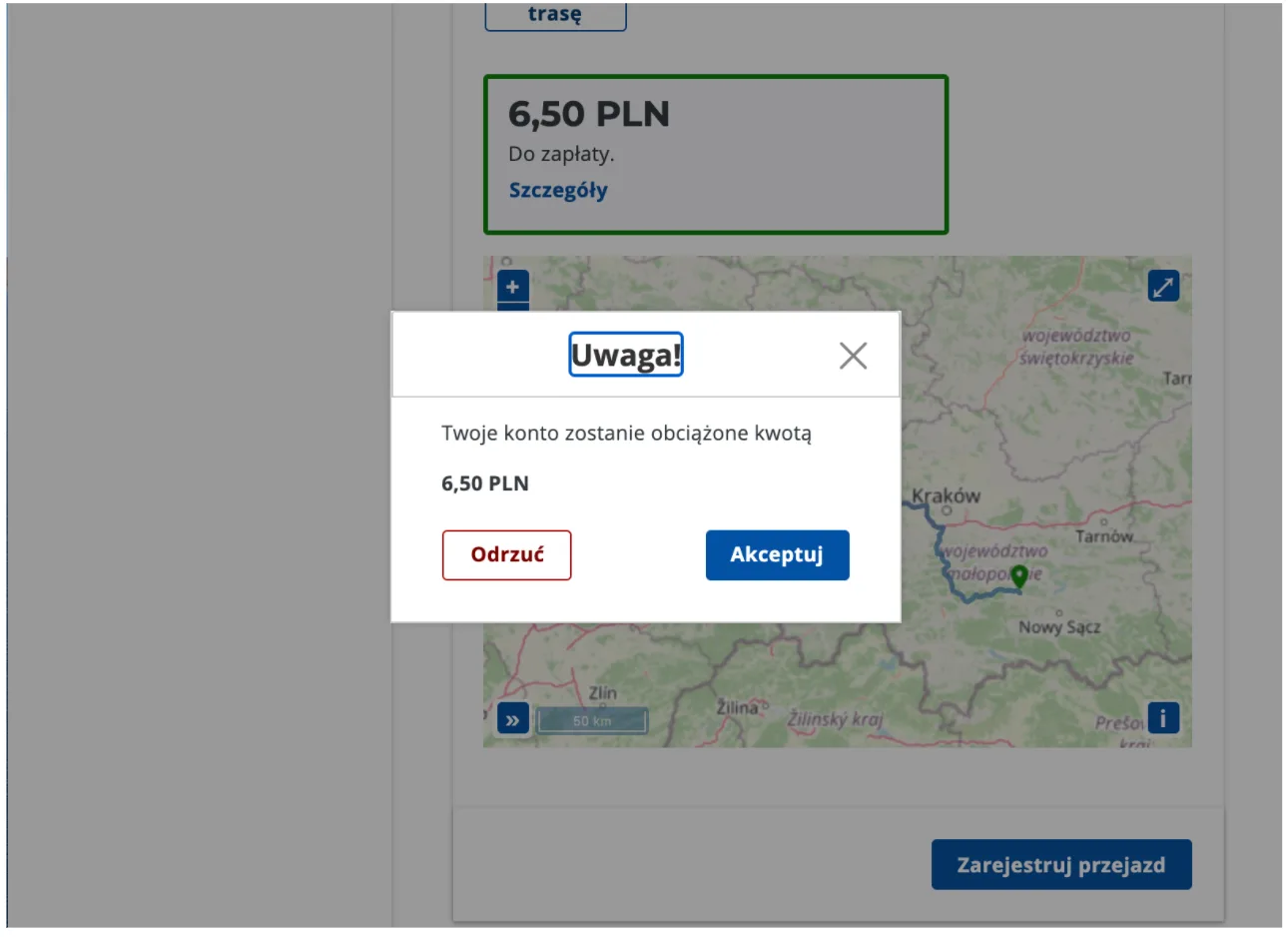
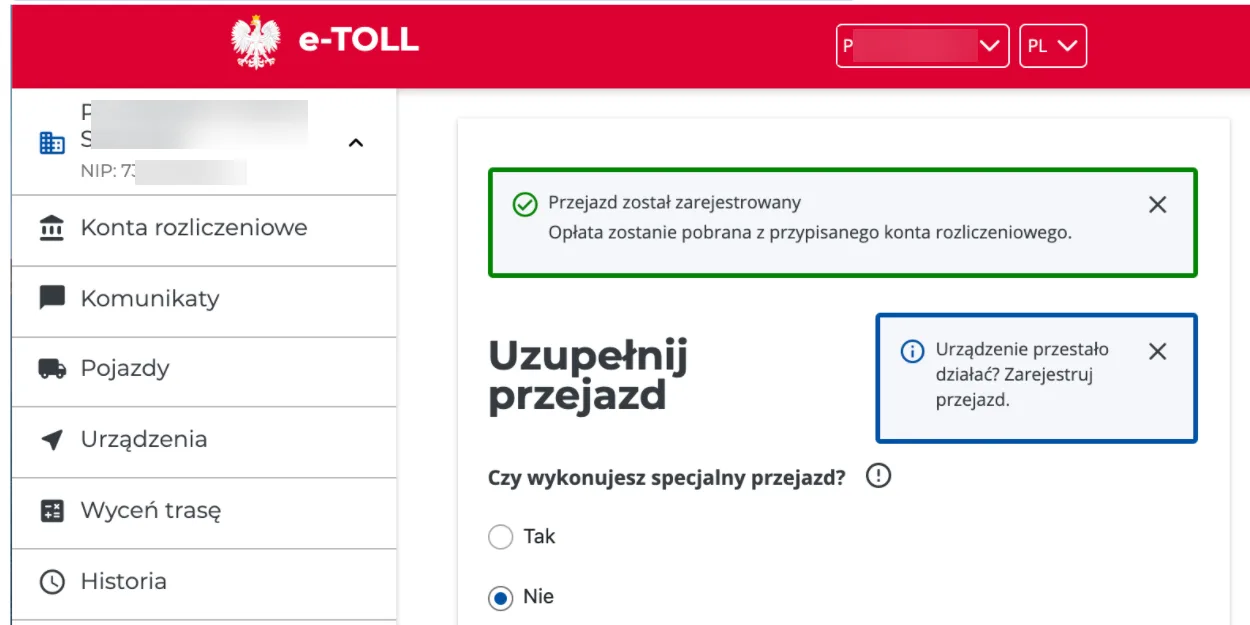
After clicking the “Accept” button, the journey will be declared and settled. An appropriate message will be displayed to confirm this operation; to see it, scroll to the very top of the page.