Help › Navifleet Manager › Mobile app
Reporting a defect
Updated: 6 August 2026
How to report a vehicle defect?
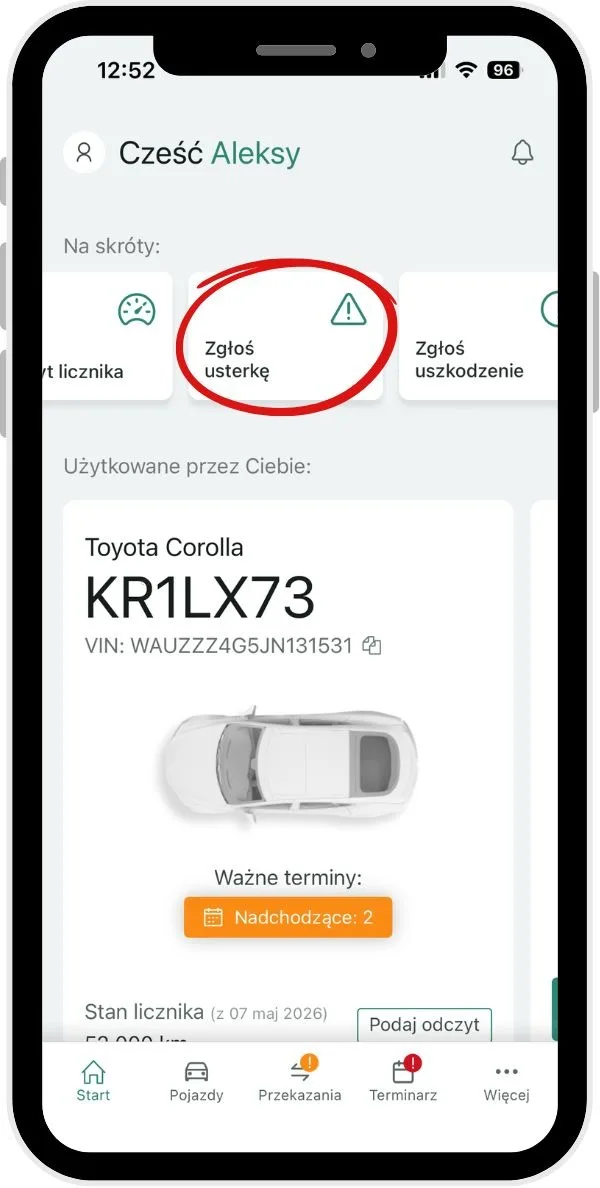
Vehicle defects, such as air conditioning not working, a blown bulb, faulty wipers, problems starting the engine and the like, can be reported in the app:
On the main panel, swipe the screen right to the Report defect section.
Select the vehicle the report concerns, or confirm the vehicle displayed by default.
Describe the type of defect.
If possible, add photos showing the problem. You can take a new photo or choose one from the device's gallery.
Click Save to submit the report.