Help › Navifleet Manager › Mobile app
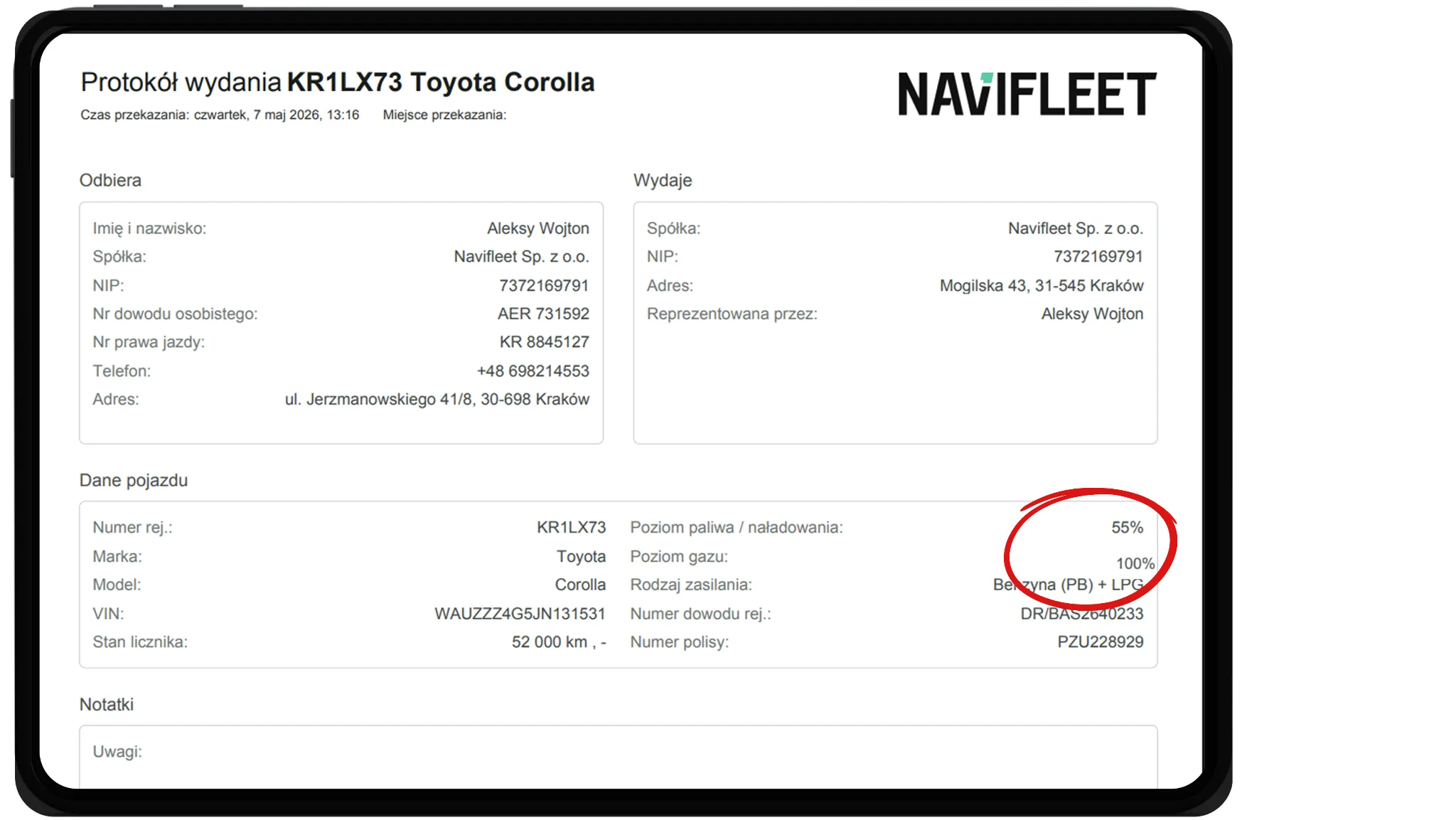
Showing the gas level in the handover report
Updated: 6 August 2026
The gas level is one of the inspection steps. During the process the system asks you to enter the fuel or gas level (or both, if the vehicle's fuel type is set to Petrol (PB) + LPG or Hybrid (HEV) + LPG).
To fill in the data:
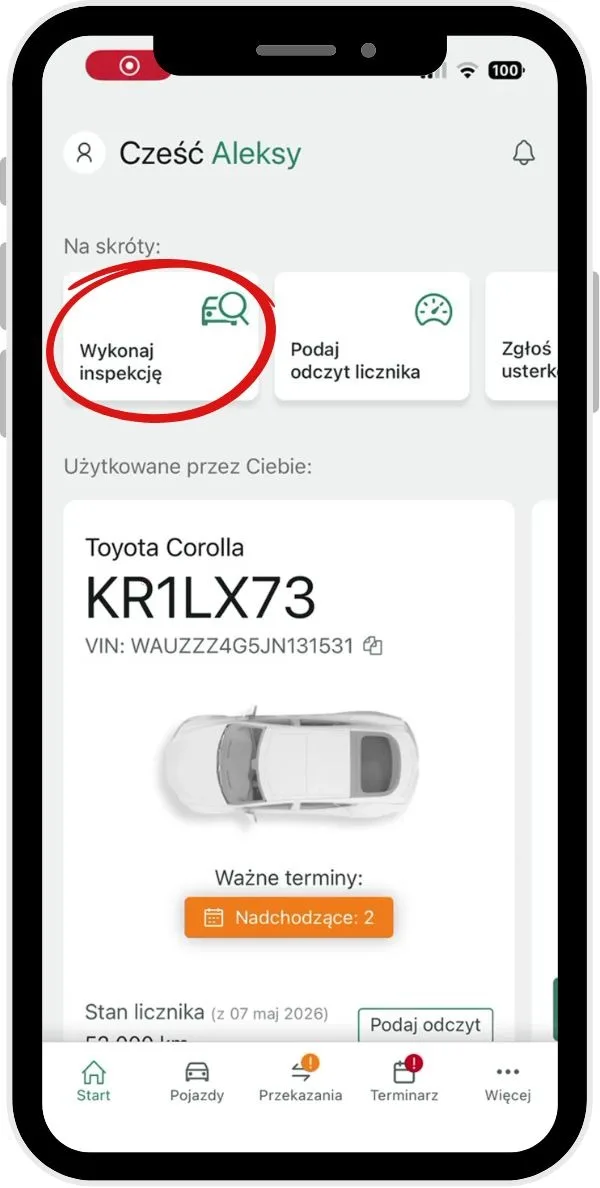
Select Perform inspection or start the vehicle issue or return process with a handover report.
Carry out the inspection as described in How to perform vehicle inspections?
In step 6, enter the gas level using the slider.
Complete the inspection or handover report process.
Once the process is complete, the gas level you entered is shown in the vehicle handover report.