Help › Navifleet Manager › Mobile app
Checklists
Updated: 6 August 2026
Checklists assigned to a vehicle are managed from the web app. You will find more information on this in the article What are Fleet instructions and what is their role?
Checklists are displayed while a vehicle inspection is carried out and while a vehicle handover or return report is being drawn up.
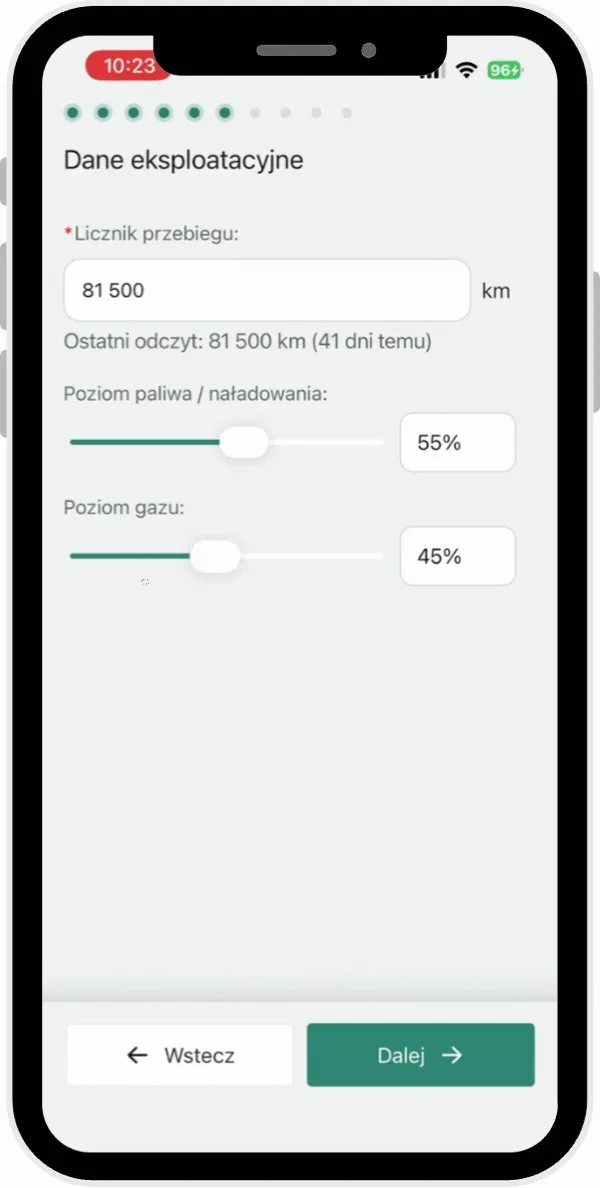
To check which checklists have been assigned to a particular vehicle:
Go to the Vehicle informationsection.
In the Vehicle details area, find the Checklistsitem. All the lists assigned to the vehicle are displayed here.